AI tool
Clippy, but on Steroids
Clippy, but on Steroids: a local-model voice assistant for private dictation, GPT-context copy and seamless paste, plus simple workflow automations - Apple Calendar & Reminders control coming.
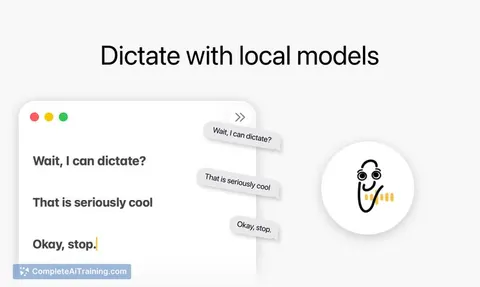
About Clippy, but on Steroids
Clippy, but on Steroids is a popup assistant that runs local language models to provide context-aware suggestions and paste responses directly into the active text field. It supports voice input and simple automation steps such as creating project tickets or editing calendar entries from the same interface.
Review
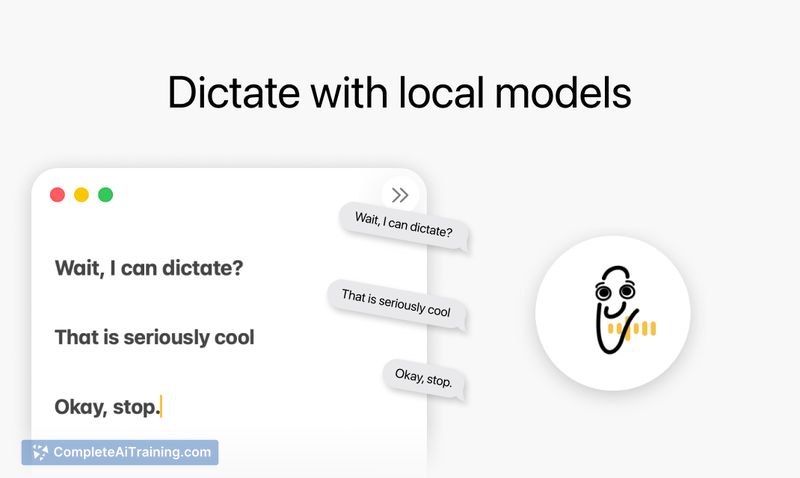
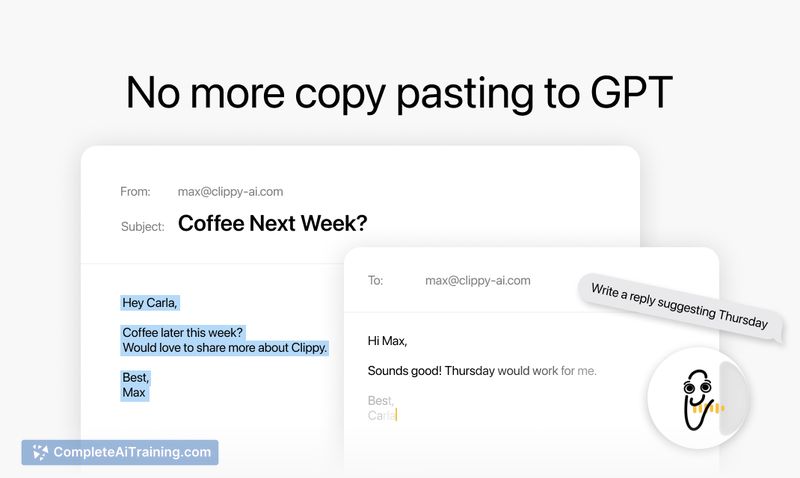
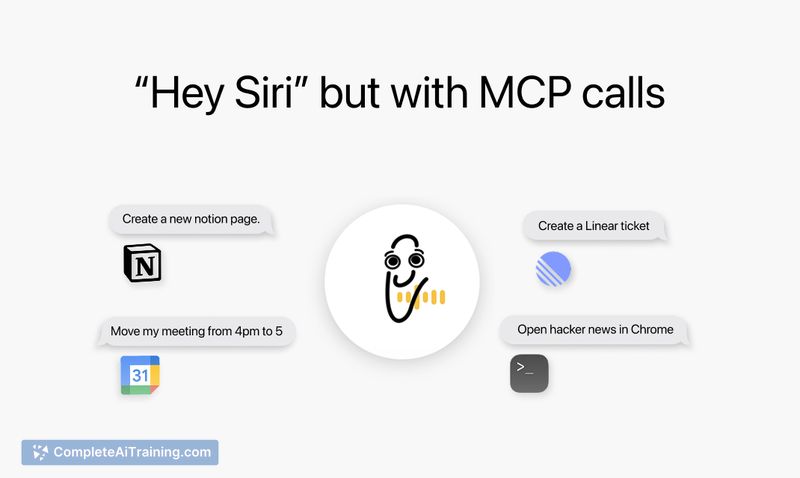
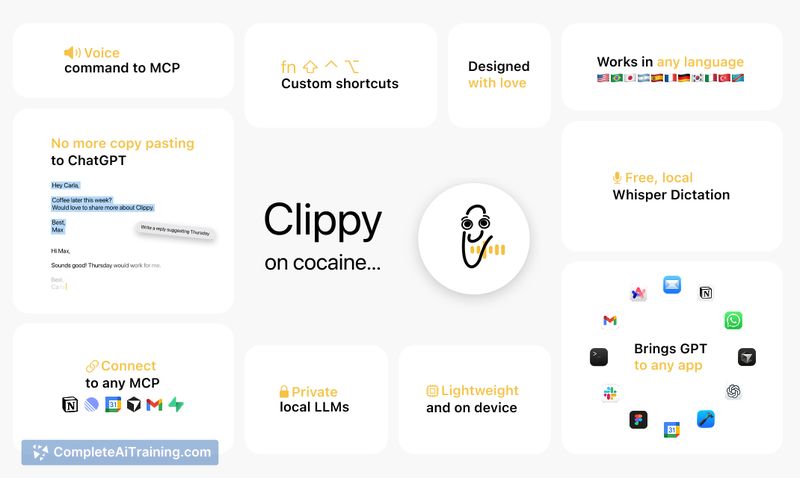
The tool focuses on removing the manual copy-and-paste step by detecting the text field you're working in and inserting responses inline. In practice it feels fast and unobtrusive, with a polished visual design and options for voice dictation and quick on-device model responses.
Key Features
- Context-aware inline pasting: generates and inserts text directly into the active input field to avoid manual copy/paste.
- Local LLM and on-device speech recognition: runs models and dictation locally for lower latency and improved privacy compared with cloud-only alternatives.
- Voice-triggered actions: trigger assistant replies and perform tasks via voice commands and dictation.
- Action integrations: create tickets in supported project trackers and update calendar entries from the assistant (voice-triggered workflows).
- Lightweight approval controls: options to confirm certain automated actions before they execute, reducing accidental writes.
Pricing and Value
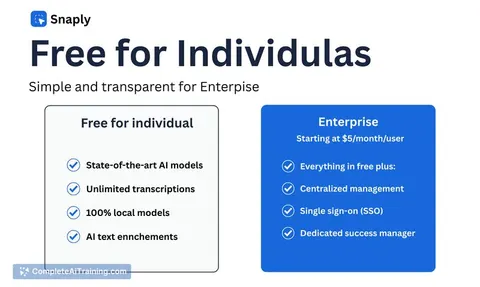
The product is available for free at launch. For individual users who frequently draft text, send short messages, or create simple project tasks, the free tier offers clear productivity value by saving time on repeated copy/paste and quick voice-driven edits. Organizations that need stricter audit trails or admin controls may want to watch for future paid tiers that add enterprise-grade permissions and logging.
Pros
- Saves time by inserting responses directly into the active field instead of requiring manual copying.
- Runs models and speech recognition locally, which can reduce latency and keep data on-device.
- Supports voice commands and dictation, speeding up hands-free workflows.
- Convenient integrations for creating tickets and editing calendar entries from the same interface.
- Clean, attractive UI that feels lightweight and approachable.
Cons
- Automatic pasting into active fields raises the risk of inserting content into sensitive or secure inputs unless strict allowlists and secure-field detection are enforced.
- Currently focused on desktop usage and may lack mobile or wider platform support for some users.
- Advanced controls for enterprise auditing, permission scoping, and detailed action logs are limited or still under development.
Overall, this assistant is best suited for individual knowledge workers, writers, and small teams who want to speed up routine text tasks and use voice for quick edits. Users handling sensitive inputs or requiring strict administrative controls should evaluate permissions and approval settings before using it in high-security contexts.
Jobs Clippy, but on Steroids suits
Useful in almost any job. We checked Clippy, but on Steroids against 500+ jobs; these get the most out of it.
Alternatives to Clippy, but on Steroids
Other tools that do the same main job. Our AI compared Clippy, but on Steroids with similar tools and kept the ones you could use instead.