MCP server · Apple, iOS and Mac
Plonk MCP server
by ostapondo
Lets your AI arrange Mac windows, take screenshots, read text off the screen and keep your Mac awake.
Plonk is a Mac app that puts a bunch of small desktop tools behind one menu bar icon. It can move windows around, save your desk layouts, take screenshots, read text off the screen, and keep your Mac from sleeping. This page is about the part that lets your AI assistant use those same tools for you.
What is an MCP server? The 30-second version
On its own, your AI can only chat. It cannot see your screen or touch your windows. An MCP server is a small helper program that gives your AI a new skill. This one connects your AI to the Plonk app on your Mac, so when you ask for something like a screenshot or a tidy desk, the AI can actually do it.
What this MCP server does
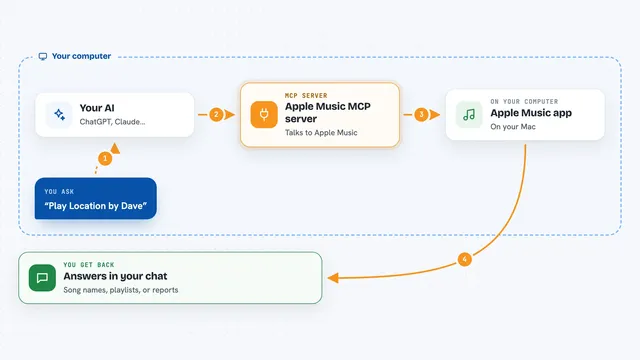
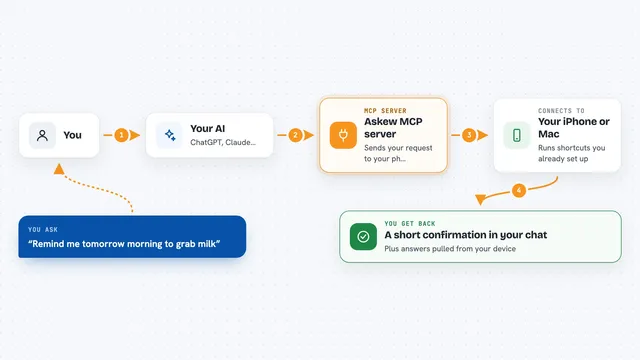
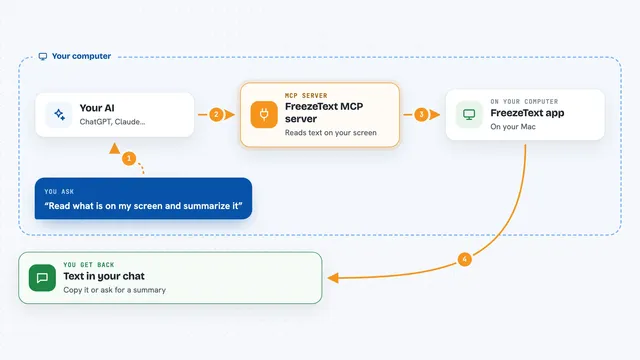
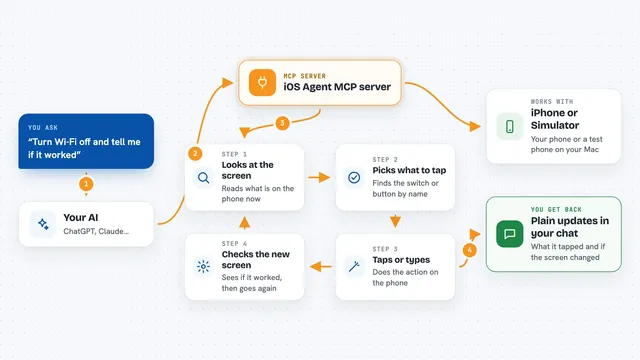
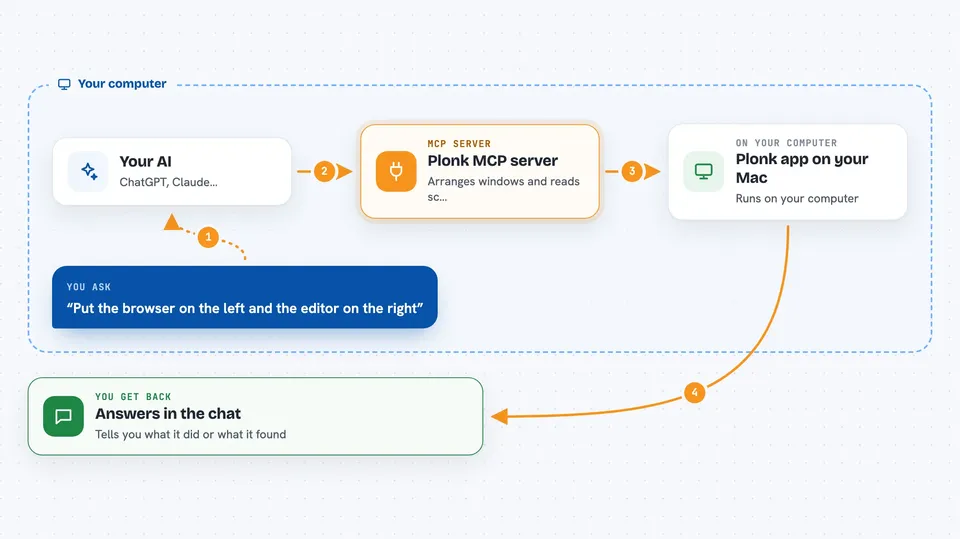
You ask your AI for something in plain words, like moving a window or reading text off the screen. The AI passes that request to this helper. The helper talks to the Plonk app running on your Mac. Plonk does the work, then hands the result back, and the AI tells you what happened in the chat. Everything stays on your Mac, nothing goes to a cloud service.
 Click to zoom
What you can do with it
- Arrange windows across your monitors
- Save and reload desk layouts as workspaces
- Take a screenshot of a window or region
- Read text off the screen with OCR
- Measure how big something on screen is, in points and pixels
- Keep your Mac awake until a task finishes
- Check what screens, zones and windows you have open
Try asking your AI
- “Put the browser on the left and the editor on the right”
- “Read the error out of that dialog and tell me what it says”
- “Keep my Mac awake until this build finishes”
- “Save this desk layout as review and load it again tomorrow”
What it gives back to you
You get answers in the chat, in plain words. Sometimes that is a list, like the screens and windows you have open. Sometimes it is text pulled off the screen, or a measurement in points and pixels. When you ask it to change something, like moving a window or saving a layout, it tells you what it did.
Before you start
What you need
- A Mac running macOS 13 or newer (Apple silicon)
- The Plonk app installed from Homebrew
- Accessibility permission granted to Plonk
- Node.js 18 or newer, if you want to run the helper yourself
Good to know
It can move your windows and change your saved layouts, so if you have a careful desk setup, save it as a workspace first.
Install it with your AI
Add Plonk MCP server to your AI, no technical skills needed
You don't install anything by hand. You copy one prompt, paste it into an AI that can work on your computer, and it checks, installs and connects the server for you, asking you when it needs something.
Sign in to get the install prompt
Members get a ready-made prompt that lets the Claude desktop app check Plonk MCP server, install it and connect it for them, step by step. You don't need any technical skills: you copy, paste and answer a few questions. Your connected AI can also find and install any of the 4,361 MCP servers here for you.
Who it's for
Mac users who juggle lots of windows and want their AI assistant to help arrange the desk, grab screenshots or read text off the screen.