
Learning path
Learning AI as a Chef
This path helps chefs use AI for menus, recipes, costs, ordering, training, and safety. It starts with setup and connects your AI, then moves through prompts and short video courses built for kitchen work.
Your path
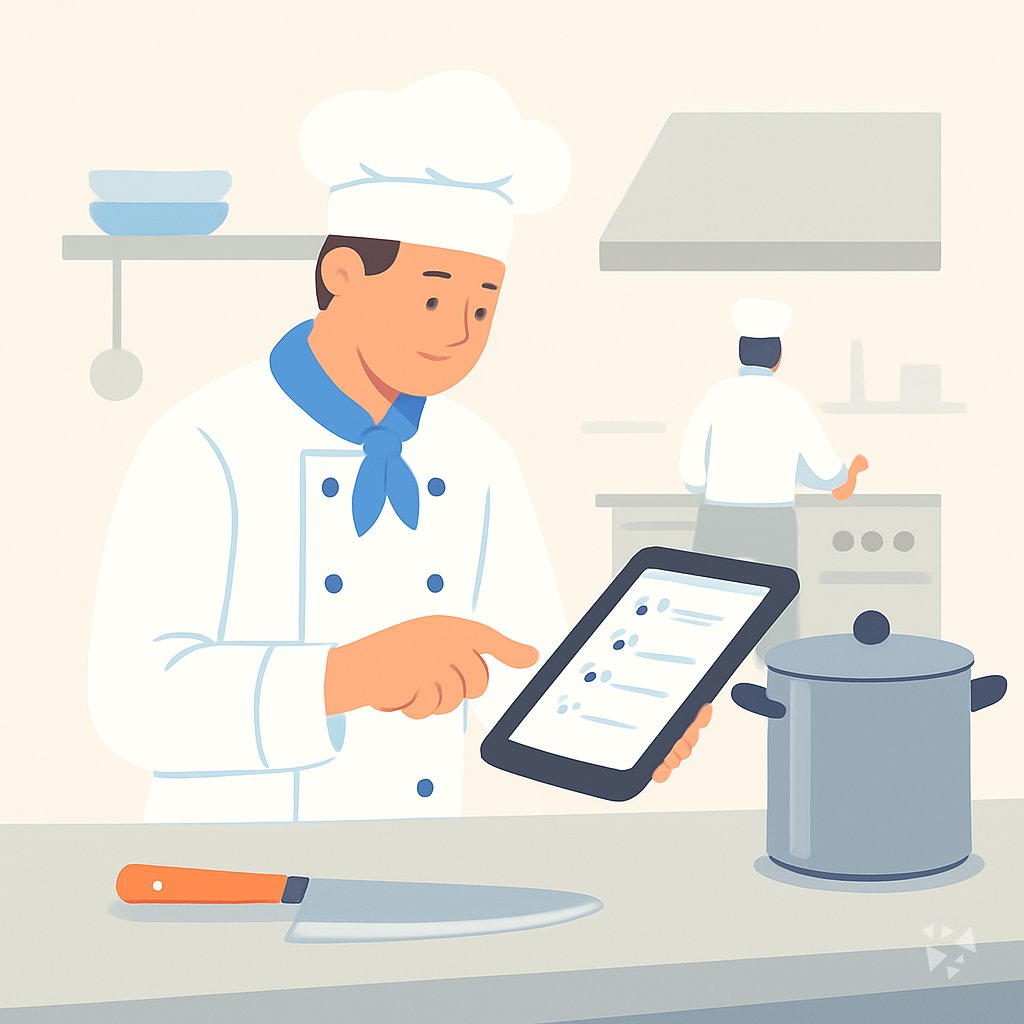
Everything in the Chef AI kit, in the order that makes sense. Members tick off each step and see their progress.
Set up your AI
We guide you through each click.
Let skills do your everyday tasks
Connect your apps and pick your AI apps
Hand whole tasks to AI agents
Build your own tools
Keep growing
Everything for chefs
All the courses, certifications, AI tools, MCP servers and apps for chefs, most relevant first. Open any list to see more.
Take the prompt courses
A short framework course to learn how to ask, then 8 lessons with ready-to-use prompts for chefs.
Start with this framework: how to talk to AI
RACE helps you specify role, action, context, and expectation, so a chef can request a gluten free menu costing twenty dollars.
Then your prompt course for chefs- 1Menu Planning and Design3 prompts
- 2Recipe Development and Scaling3 prompts
- 3Food Cost and Pricing3 prompts
- 4Ordering and Inventory Management3 prompts
- 5Training Kitchen Staff3 prompts
- 6Hygiene and Safety Compliance3 prompts
- 7Troubleshooting Dishes and Quality3 prompts
- 8Customer Communication and Admin5 prompts
Watch the video courses or add them to your Favorites for later
61 video courses our AI picked for chefs, most useful first. Save the ones you want to watch later with the heart.
Favorites are saved to your account: sign in or get your AI kit first.
Show all 61 video courses
Get certified, or add certifications to your Favorites
Every course ends in an exam and a certificate you can add to LinkedIn. Save the certifications you are aiming for with the heart.
Favorites are saved to your account: sign in or get your AI kit first.
More certifications for chefsShow all 24 certifications
Connect your AI to the apps chefs use
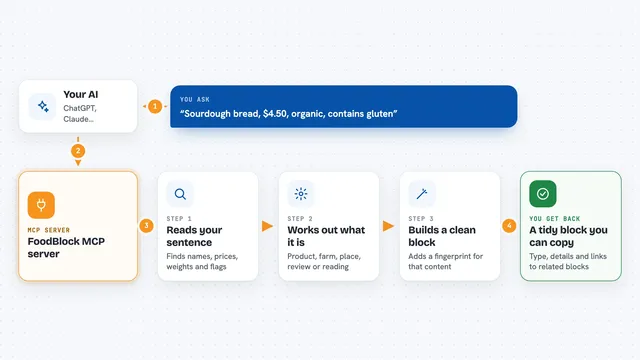
MCP servers let ChatGPT, Claude or Copilot look things up and get work done in other apps, like your email, calendar or bookkeeping software. These 7 fit the work of chefs best, well-known apps first.

Brave Search MCP server
by braveLets your AI search the web, news, images, and places through Brave Search.
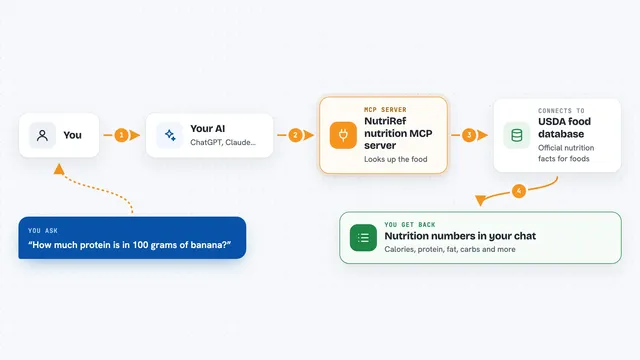
NutriRef nutrition MCP server
by YounghefLook up USDA nutrition facts, compare foods, and build recipes with your AI, paying a tiny amount per request.

Nutrients MCP server
by ericblair1903Your AI can look up calories, macros, vitamins, minerals and allergens for any food, from a photo or a description.

macalc Calculator MCP server
by tresor4kLets your AI run everyday calculators: taxes, salary, mortgage, BMI, conversions and more.
Finance and cryptoNo install
Rett fra Bonden MCP server
by slookisenLet your AI find local food producers in Norway: farms, farm shops, REKO rings and farmers' markets.
ResearchNo install
Calculator MCP server
by githejieLets your AI do exact math instead of guessing at numbers.
Show all 7 MCP servers
Build your own AI apps for chefs
Apps you build yourself with your own AI, no coding needed and no monthly fee. Our AI picked the 10 that fit the work of chefs.
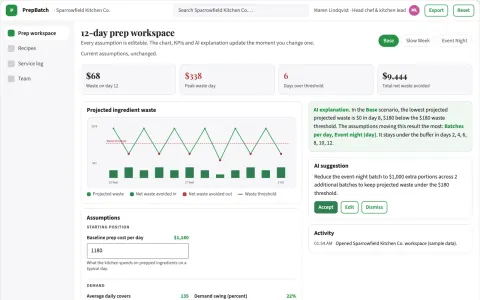
Restaurant prep-batch waste optimizer
Reduce food waste without inventing unsafe holding practices.
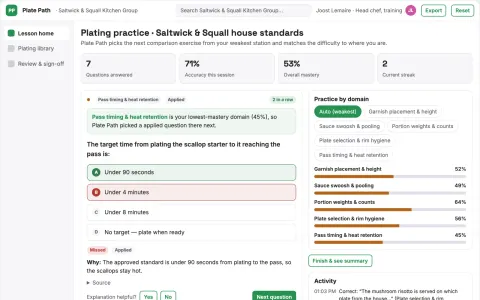
Restaurant plating training library
Visual practice using actual house standards.
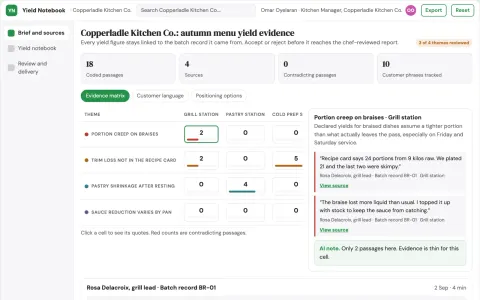
Restaurant recipe yield notebook
Explain recorded variation without changing recipes.
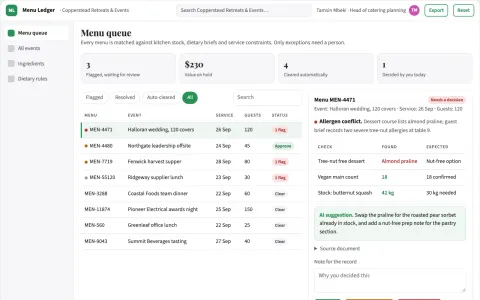
Ingredient-led menu and dietary plan library
Reduce menu planning time while keeping guest dietary needs and kitchen stock accurate.
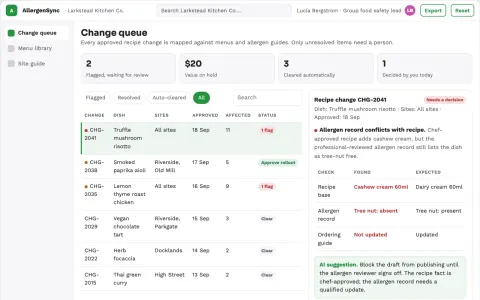
Restaurant allergen change propagation workspace
Reduce dangerous information inconsistency and repeated update labor.
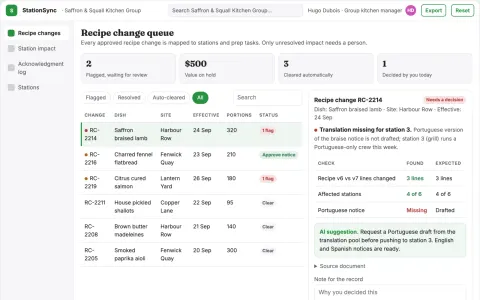
Hospitality shift recipe change desk
Connect approved recipe changes to specific kitchen stations.
Show all 10 apps
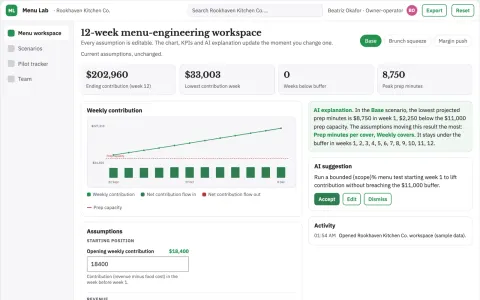
Restaurant menu-engineering experiment studio
Improve contribution while respecting service capacity.
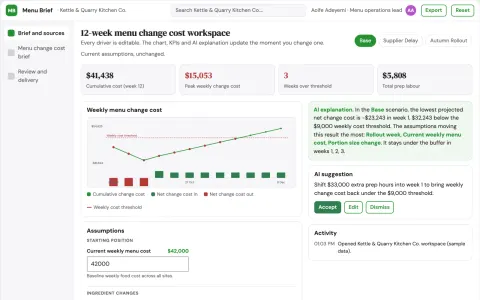
Restaurant menu change cost brief
Operational implications before menu rollout.
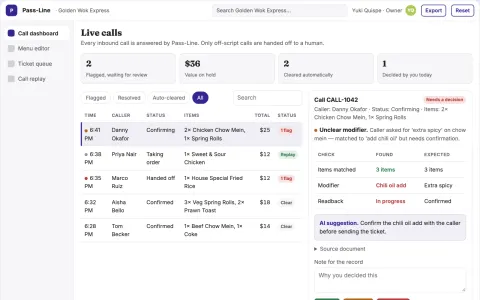
Pass-Line Phone Agent
The agent is trained on the exact menu and cadence of a busy takeaway, with a clear human handoff path for off-script callers.
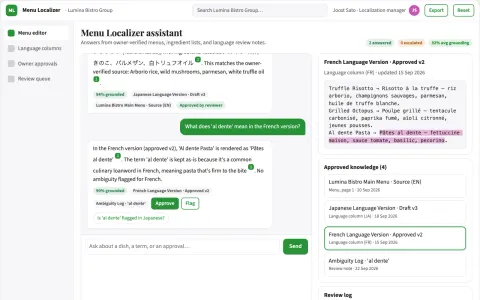
Restaurant menu localization
Owner-confirmed ingredient accuracy across language versions.






























































About this learning path
6 topicsAI skills for chefs, from menu to service
A chef's day is full of small decisions. What to order, what to change, what to charge, and how to keep the kitchen running smoothly.
This learning path shows you how to bring AI into those decisions without adding more noise. You start with simple setup, connect your AI, then practice prompts and watch short video courses chosen for kitchen roles. You finish with certificates that show what you have learned.
Why AI matters now
Menus shift with seasons, costs move, and guests ask more questions about ingredients and diets. AI can help you draft options, compare costs, and write clear descriptions faster, so you can spend more time tasting and teaching on the line.
What the path includes
You begin with setup questions and a simple guide to connect your AI tool. Then you work through skills for your job inside your AI, followed by this prompt course. Short video courses picked for chefs come next, and each one includes a certification you can add to your professional profile.
How it saves time
You can turn a rough idea into a draft menu, a scaled recipe, or an order list in minutes. That gives you back time for prep, plating, staff coaching, and checking the details that only a chef can catch.
How it protects your career
AI does not replace your judgment or your taste. It helps you document safety plans, respond to reviews, and train staff consistently. When you use it well, you show employers and owners that you can lead a modern kitchen with care.
How to start
Start with one task you do every week, such as writing a specials board or building an order list. Ask the setup questions, connect your AI, then try the first prompt lesson. Keep your own notes about what works in your kitchen.
Frequently asked questions
Do I need technical skills?
No. If you can send a text message, you can use these lessons. The setup questions walk you through each step, and every prompt is written for kitchen work.Will AI write my menu for me?
AI can suggest ideas and draft descriptions, but you stay in charge. You taste, adjust, and decide what goes on the menu.Is my kitchen data safe?
Do not enter private guest information, supplier contracts, or secret recipes into public AI tools. Use the safety guidance in the path and check your workplace rules before sharing any details.How long does it take?
You can move at your own pace. Most chefs finish the prompt course in a few short sittings, then use the video courses when they fit their schedule.