
Learning path
AI for presentation designers
Be the AI expert in your job. Always up to date.
Your first AI Expert certificate this week. Your AI set up in 15 minutes.

This is exactly what happens after you join. Try it: everything below reacts to your choices.
Only stored for members. Join to keep the courses you choose in your account and favorites; until then only this browser remembers them. Start for Free






Picked by our course-matching AI for presentation designers, your level and your AI, from 700+ courses. Each course ends in a short exam and an AI Expert certificate. New courses arrive every week and your suggestions update with them. Your choices are kept in this browser until you join.
For members: your personal setup prompt, with your sign-in built in. Here's what's inside.
What the setup does
- Connects your AI to your AI Coach: ChatGPT, Claude, Cowork, Microsoft Copilot and more
- Asks you a few questions about your work and saves your profile
- Gives your AI the skills, prompts and tools for presentation designers
- Writes your personal instructions and gives you today's first suggestion
What your AI gets: the presentation designer AI kit
See everything in your presentation designer AI kit: log in or sign up first → · Start for Free
Like "Draft Project Proposal And Scope"
A new idea from your AI Coach every day
Lets your AI create and edit images with OpenAI's image models, right from the chat.
From 4,600+ connections, after a short interview about the apps you use
Each revision round closes with every client comment resolved or answered
From 3,900+ AI agents: hand a whole task to AI
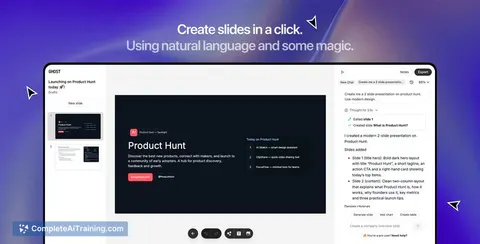
Turn prompts into on-brand decks fast, cutting manual slide production for repeat client work.
From 2,400+ apps you can build, with step-by-step prompts
Not connected? The same suggestions wait for you on your dashboard under Today, with prompts to copy into any AI.
All the courses, certifications, AI tools, connections and apps for presentation designers, most relevant first. Tap the heart on anything to save it for later.
All prompt courses for presentation designers
How to talk to AI, then 9 lessons with ready-to-use prompts for presentation designers.
- 1Outline & Structure Content4 prompts
- 2Slide Layout Ideas3 prompts
- 3Typography & Color Choices4 prompts
- 4Charts & Data Storytelling4 prompts
- 5Brand Guidelines & Consistency2 prompts
- 6Client Feedback & Revisions3 prompts
- 7Slide Critique & Refinement3 prompts
- 8Final Files & Handoff2 prompts
- 9Proposals & Pricing2 prompts
All video courses for presentation designers
89 video courses our AI picked for presentation designers, most useful first. Tap the heart to save one for later.
Favorites are saved to your account: sign in or get your AI kit first.
All certifications for presentation designers
Every course ends in a short exam and an AI Expert certificate you can add to LinkedIn. Tap the heart to save the ones you're aiming for.
Favorites are saved to your account: sign in or get your AI kit first.
More certifications for presentation designersAll AI tools for presentation designers
24 AI tools our AI matched to the work of presentation designers, best fit first. Each review shows what it does, its alternatives and the jobs it suits.
Favorites are saved to your account: sign in or get your AI kit first.
All connections for presentation designers
Connections let ChatGPT, Claude or Copilot look things up and get work done in other apps, like your email, calendar or bookkeeping software. These 12 fit the work of presentation designers best, well-known apps first.

Google Slides MCP server
by A1-x-TechLets your AI look at and edit your Google Slides decks, from adding slides to exporting them as PDF.
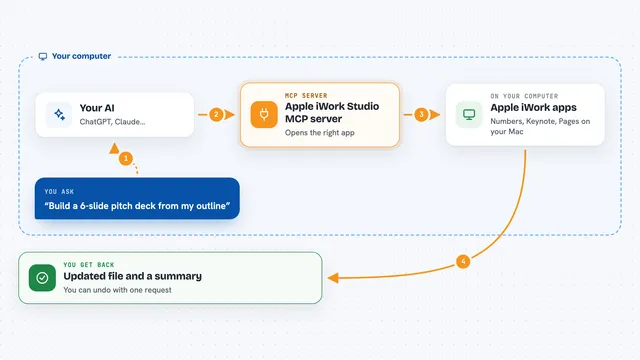
Apple iWork Studio MCP server
by ArkanjiLets your AI create, edit, design and export Apple Numbers, Keynote and Pages files for you.

Unsplash MCP server
by hellokatonLets your AI search Unsplash for photos by keyword, color, and orientation, and hand you the results.

VE Google Workspace MCP server
by HuntsDeskLet your AI read and write your Google Docs, Sheets, Slides, Drive, Gmail and Calendar for you.

Stocky stock photo MCP server
by joelioSearch and download free stock photos from Pexels and Unsplash right from your AI chat.

Pexels MCP server
by afshinatorYour AI can search free Pexels stock photos and videos and bring back links and credits.

Stock Images MCP server
by jeanpfsLet your AI search free stock photos on Pexels, Unsplash and Pixabay and save the one you pick to your computer.

Pexafy MCP server
by PexafyLets your AI find free stock photos by describing a scene, and shows them right in the chat.
ResearchNo install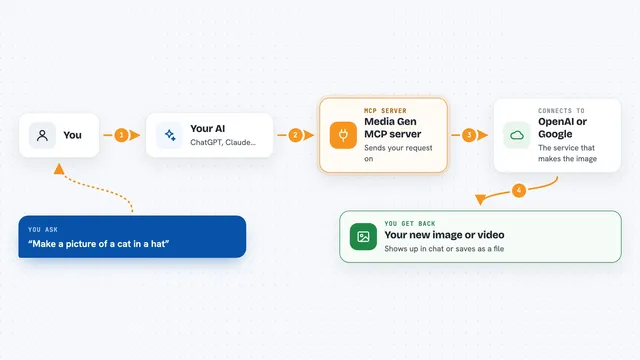
Media Gen MCP server
by strato-spaceCreate and edit images and videos with OpenAI and Google tools, right from your AI chat.
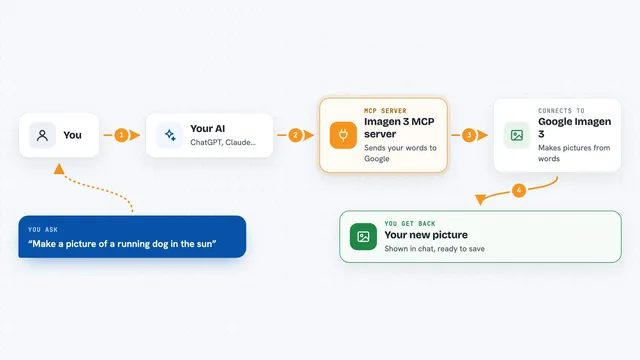
Imagen 3 MCP server
by hamflxAsk your AI to create pictures from a written description, using Google's Imagen 3 image maker.

Google Images MCP server
by HasDataLets your AI search Google Images and bring back picture links, source pages and sizes.
ResearchNo install
OpenAI GPT Image MCP server
by SureScaleAILets your AI create and edit images with OpenAI's image models, right from the chat.
All apps you can build for presentation designers
Apps you build yourself with your own AI, no coding needed and no monthly fee. Our AI picked the 6 that fit the work of presentation designers.
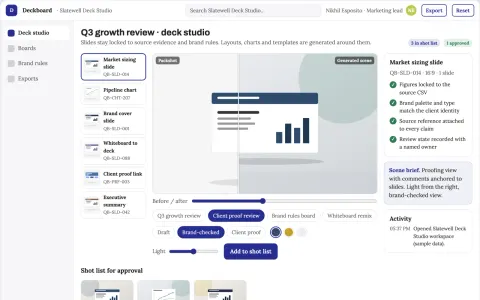
Presentation deck production and brand review workbench
Reduce deck production cycles while keeping brand and data accuracy under named-owner review.
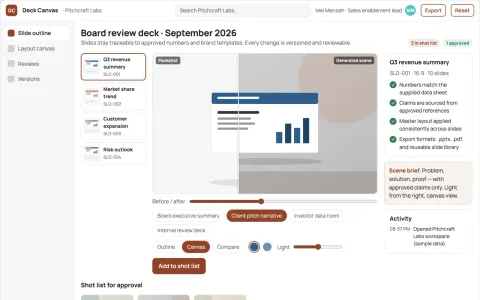
Presentation design service
Editable slides with traceable numbers and reusable sales narratives.
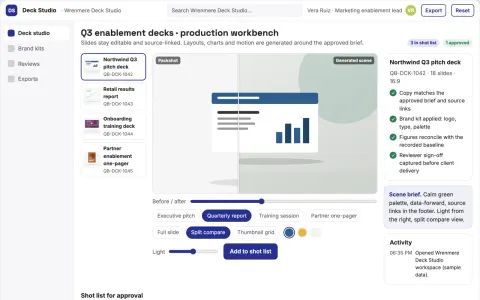
Prompt-to-deck presentation production workbench
Reduce manual slide production while keeping the deck on brand and on message.
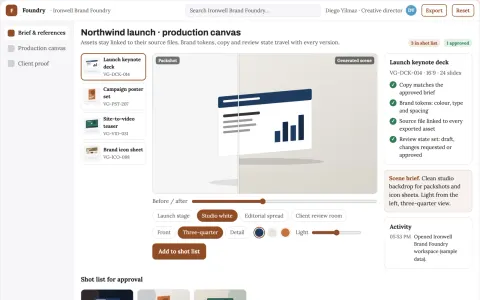
Brand visual production and review platform
Reduce tool sprawl and review cycles while keeping one brand system.
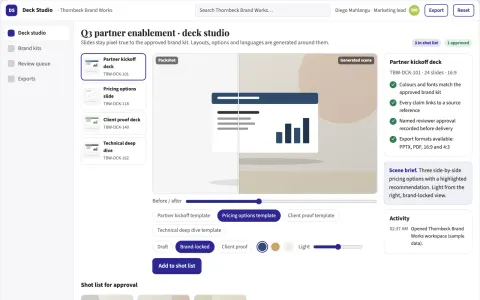
Branded deck production and review workbench
Reduce deck production and rework cycles while keeping brand and message control.
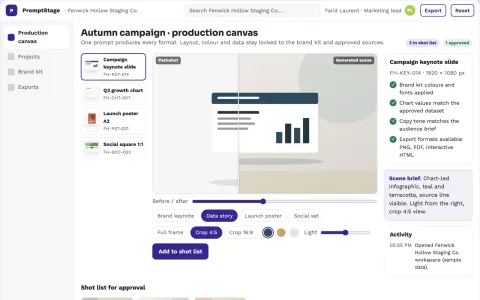
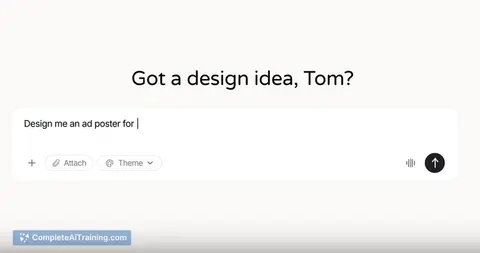
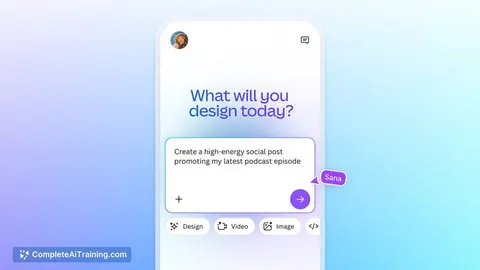
Prompt-to-visual production and brand review workbench
Reduce tool switching and manual layout work while keeping brand and data control.




































































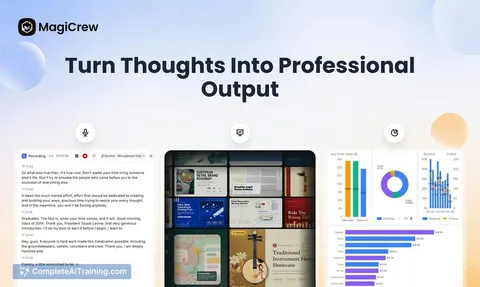
About this learning path
7 topicsAI for Presentation Designers: A Clear Working Path
You already know how to turn a messy brief into a deck people can follow. The hard part is often the hours around the design: outlining, trying layouts, rewriting slide titles, and chasing feedback.
This path adds AI to those hours without changing what makes your work good. You set up a tool, learn prompts for the job, watch video courses picked for presentation work, and see the certifications that come with them.
Why AI Matters Now
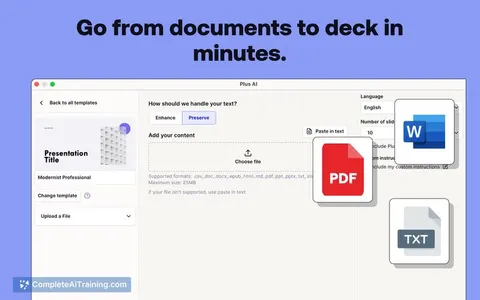
Clients want decks faster, and the raw material often arrives as a mix of notes, old slides, and half-finished thoughts. AI can help you shape that material into a clear story, test layout directions, and summarize feedback before you commit hours in your design tool.
The designer still leads. Your eye for hierarchy, pacing, and brand is what makes the deck feel right. AI is a working assistant for the parts that are repetitive or easy to postpone.
What the Path Includes
You start with setup questions and a guided way to connect your AI tool, so it is ready for real presentation work. Then you practice job-specific skills inside your AI and move into this prompt course.
The path also points you to video courses chosen for presentation designers. Each video course shows its certification, so you can see what proof of learning comes with it.
Video Courses and Certificates
The video lessons are picked for the work you do: slide structure, visual hierarchy, data storytelling, brand systems, and client communication. They are not generic AI videos.
When you finish a video course, you can keep its certificate for your profile, your resume, or a client conversation. It shows you invested in doing this work well.
How It Saves You Time
AI helps you outline before you open your design tool, so you are not moving boxes around while the story is still unclear. It gives you layout options, slide title ideas, and a first pass at charts.
It also helps you sort client feedback into a revision plan and prepare export notes. The time you save goes back into the craft that clients actually notice.
How It Protects Your Career
When AI handles the first draft, you stay in charge of judgment, taste, and client trust. You learn where to check the work, how to keep it on brand, and what not to paste into a tool.
That balance matters. The designers who use AI well are not replaced by it. They become the ones who can take on more decks without losing quality.
How to Start
Pick one real project and one lesson, such as Outline and Structure. Read the prompt, change it to match your client's tone, and run it in ChatGPT, Claude, or Gemini.
Keep client names, private numbers, and unreleased material out of the tool unless your workplace allows it. Start small, check the output, and build from there.
Frequently asked questions
Do I need to be technical to use this path?
No. If you can write a brief, use slides, and explain your choices to a client, you can follow the setup and lessons at your own pace.Will AI design the deck for me?
No. It can suggest structures, layouts, type pairings, chart ideas, and revision plans. You still decide what is clear, on brand, and right for the audience.Is it safe to use client material with AI?
Follow your employer and client rules first. Remove names, private numbers, and unreleased details when you can, and use only the tools your workplace approves.How long does the path take?
You can move at your own speed. Many people start with the prompt course, then add video lessons as they appear in their work.
At a glance
What you get
- 3 step setup process
- Relevant courses for your job (700+ available)
- A certificate per course
- AI Coach
- 15-minute AI setup in ChatGPT, Claude, Copilot and more