
Learning path
AI for professors
Be the AI expert in your job. Always up to date.
Your first AI Expert certificate this week. Your AI set up in 15 minutes.

This is exactly what happens after you join. Try it: everything below reacts to your choices.
Only stored for members. Join to keep the courses you choose in your account and favorites; until then only this browser remembers them. Start for Free





Picked by our course-matching AI for professors, your level and your AI, from 700+ courses. Each course ends in a short exam and an AI Expert certificate. New courses arrive every week and your suggestions update with them. Your choices are kept in this browser until you join.
For members: your personal setup prompt, with your sign-in built in. Here's what's inside.
What the setup does
- Connects your AI to your AI Coach: ChatGPT, Claude, Cowork, Microsoft Copilot and more
- Asks you a few questions about your work and saves your profile
- Gives your AI the skills, prompts and tools for professors
- Writes your personal instructions and gives you today's first suggestion
What your AI gets: the professor AI kit
See everything in your professor AI kit: log in or sign up first → · Start for Free
Like "Summarize Key Research Papers"
A new idea from your AI Coach every day
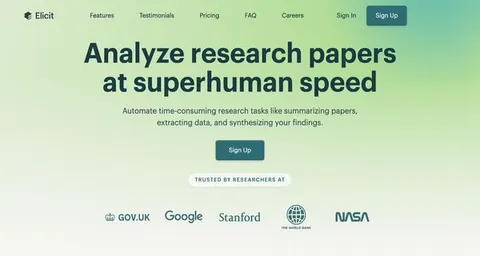
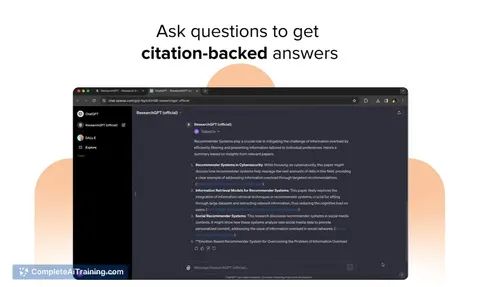
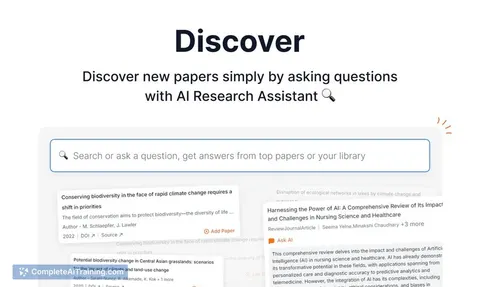
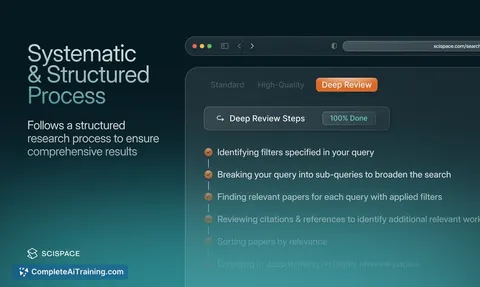
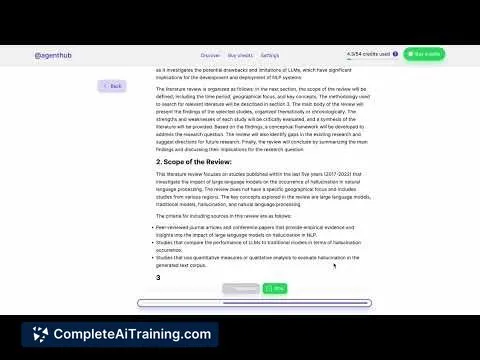
Your AI can search academic papers, read them, map citations, and save them into a personal library.
From 4,600+ connections, after a short interview about the apps you use
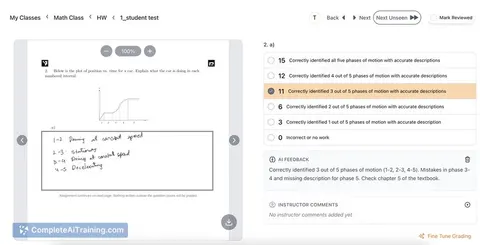
Each learner overcomes their specific misconceptions, with evidence the instructor can see.
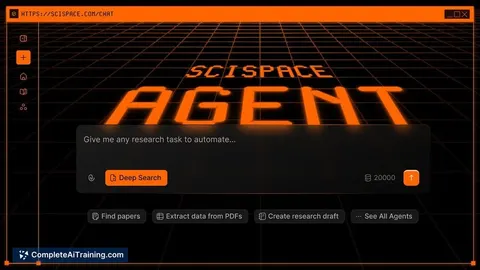
From 3,900+ AI agents: hand a whole task to AI
Build this to find saved papers fast and keep provenance and review state attached.
From 2,400+ apps you can build, with step-by-step prompts
Not connected? The same suggestions wait for you on your dashboard under Today, with prompts to copy into any AI.
All the courses, certifications, AI tools, connections and apps for professors, most relevant first. Tap the heart on anything to save it for later.
All prompt courses for professors
How to talk to AI, then 8 lessons with ready-to-use prompts for professors.
All video courses for professors
107 video courses our AI picked for professors, most useful first. Tap the heart to save one for later.
Favorites are saved to your account: sign in or get your AI kit first.
All certifications for professors
Every course ends in a short exam and an AI Expert certificate you can add to LinkedIn. Tap the heart to save the ones you're aiming for.
Favorites are saved to your account: sign in or get your AI kit first.
More certifications for professorsAll AI tools for professors
24 AI tools our AI matched to the work of professors, best fit first. Each review shows what it does, its alternatives and the jobs it suits.
Favorites are saved to your account: sign in or get your AI kit first.
All connections for professors
Connections let ChatGPT, Claude or Copilot look things up and get work done in other apps, like your email, calendar or bookkeeping software. These 12 fit the work of professors best, well-known apps first.

Scholar MCP server
by Liyux3Your AI can search academic papers, read them, map citations, and save them into a personal library.

Google Scholar MCP server
by HasDataLets your AI search Google Scholar and pull ready-made citations for papers you find.
ResearchNo install
Mendeley MCP server
by pallaprolusLets your AI search your Mendeley library, read your papers, and organize your folders for you.

Zotero MCP server (zotio)
by OrgMentemLets your AI read and safely update your Zotero library, check for retracted papers, and keep notes in sync.

Zotero MCP server (Zoteus)
by oscardvsLets your AI search your Zotero library, pull PDF passages with page numbers, and format citations.
ResearchNo install
KitchenSink4Word MCP server
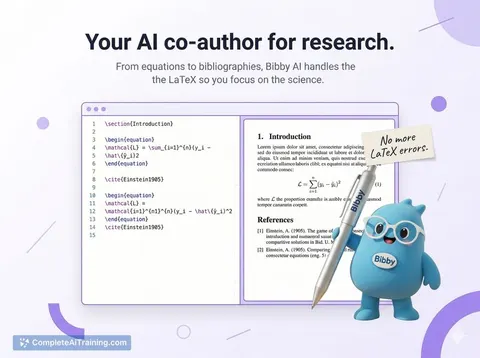
by nometalalchemistLet your AI edit real Word documents: text, tables, tracked changes, citations and more.

NCBI PubMed MCP server
by vitorpavinatoSearch PubMed's millions of research articles and get summaries, authors, and related papers through your AI.

Research Hub MCP server
by WenyuChiouLets your AI search for papers, save them to Zotero, and write notes into your Obsidian vault for you.

Annota MCP server
by dengls24Let your AI read your Zotero papers, highlight key findings, explain formulas, and save reading notes back to your library.

Zotero MCP server
by dvdsosaLet your AI search, read, and update your own Zotero library on your computer, even offline.

arXiv MCP server
by andybrandtLets your AI search arXiv for research papers and pull up their details and full text.
ResearchNo install
Web Researcher MCP server
by zoharbabinLets your AI search trusted sites, read full articles, and give you real, clickable sources.
All apps you can build for professors
Apps you build yourself with your own AI, no coding needed and no monthly fee. Our AI picked the 12 that fit the work of professors.
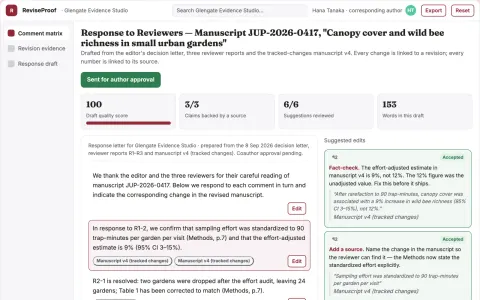
Peer-review response evidence planner
Every response tied to an actual manuscript change or stated rationale.
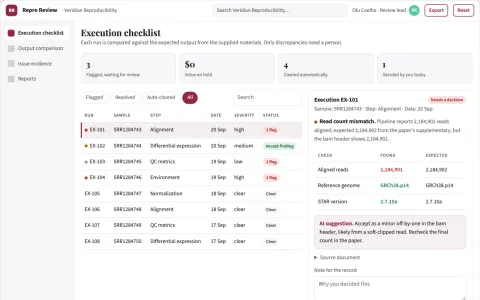
Reproducibility review service
Independent execution evidence with exact discrepancies and environment context.
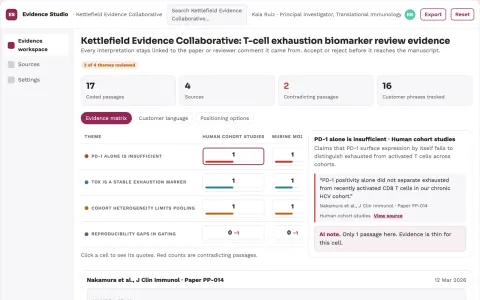
Reviewed research evidence and writing workspace
Reduce tool switching and reference errors while keeping the researcher's judgment in control.
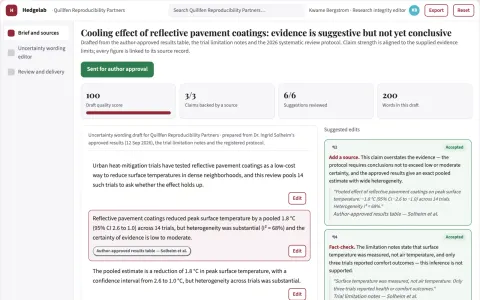
Scientific uncertainty wording editor
Align language with supplied evidence limits.
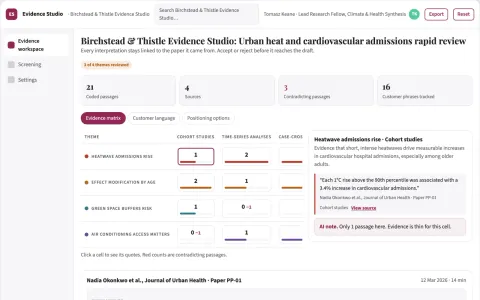
Reviewed research evidence and writing workspace
Reduce manual search, extraction and citation work while keeping every claim traceable to a source.
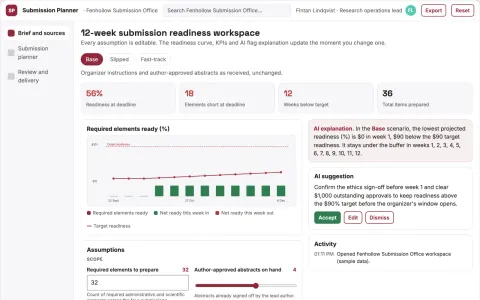
Scientific conference submission planner
Complete preparation without acceptance predictions.
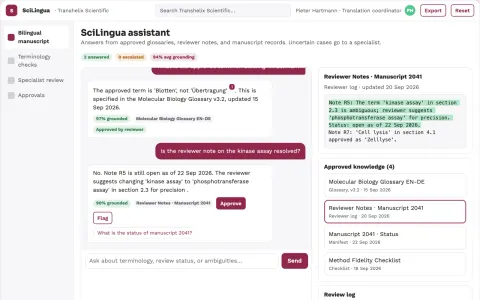
Scientific translation service
Field-specific terminology and method fidelity verified by qualified reviewers.
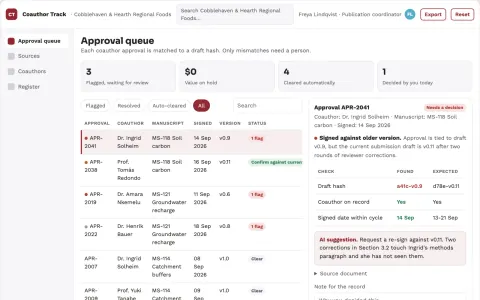
Academic coauthor approval tracker
Exact-version agreement before submission.
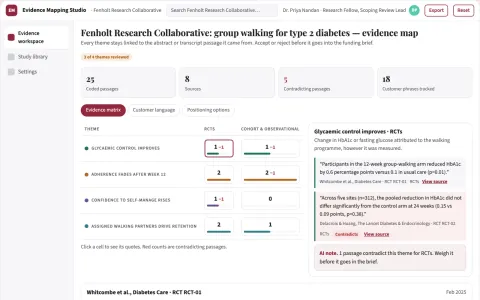
Evidence mapping service
A documented coding protocol and source passages behind each extracted field.
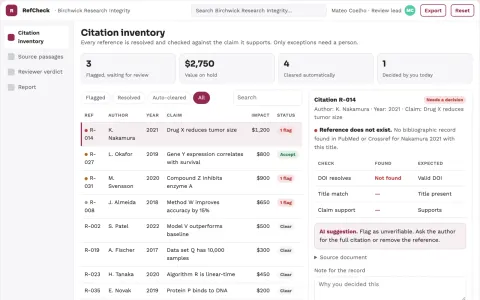
Reference verification service
Checks both reference identity and the associated factual claim.
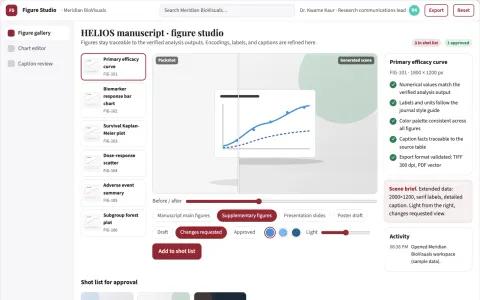
Scientific figure studio
Visual clarity with traceability to the supplied numerical results.
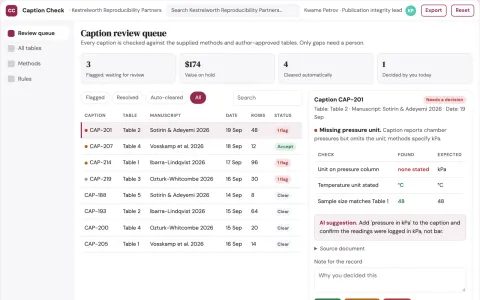
Scientific table caption checker
Table meaning checked against supplied methods.





































































About this learning path
6 topicsAI Skills for Professors, Made Practical and Clear
You do not need to be technical. The path starts with simple setup questions and helps you connect the AI tool you already use, such as ChatGPT, Claude, or Gemini.
Then you work through prompts for teaching, grading, advising, research, publishing, grants, and committee tasks. Short video courses and their certificates are chosen for professors, so your learning stays close to your daily work.
Why AI Matters Now
Professors face more tasks than ever: classes, feedback, research, service, and emails. AI can help you draft, organize, and explain, while you keep the judgment and care that students and colleagues expect.
What the Path Includes
The path begins with setup questions and a short guide to connecting your AI. You then practice skills inside your AI, take this prompt course, and choose video courses picked for professors, each with its own certificate.
How It Saves Time
You can use AI to prepare lecture examples, build grading rubrics, outline literature reviews, and draft committee notes. The time you save goes back to teaching, research, and rest.
How It Protects Your Career
Staying current with AI helps you work with changing expectations in higher education. The path also covers privacy, academic integrity, and transparent use, so you can adopt these tools with confidence.
How to Start
Begin with the setup questions and connect one AI tool you trust. Then take the first lesson of the prompt course and try it on a small task this week, such as a lecture outline or a feedback draft.
Frequently asked questions
Do I need technical skills to begin?
No. The path is written for professors who are not technical. It uses plain steps and asks you to work with the AI tool you already use.Will AI replace my teaching voice?
No. AI can draft options, examples, and feedback, but you decide what fits your course and students. Your expertise, tone, and standards remain central.Is it safe to use student information?
Follow your university rules and never paste private student details into a tool that is not approved. Use anonymized examples, and keep records of how you use AI in your work.How long does the path take?
You can move at your own pace. Most lessons are short and meant to fit between classes, meetings, and grading. Start with one lesson and add more when you are ready.
At a glance
What you get
- 3 step setup process
- Relevant courses for your job (700+ available)
- A certificate per course
- AI Coach
- 15-minute AI setup in ChatGPT, Claude, Copilot and more