
Learning path
Learning AI as an Education Consultant
A learning path built for education consultants who want to save time on curriculum plans, data stories, coaching agendas, and client reports. You will connect your AI, learn job-ready prompts, and earn certificates from selected video courses.

Your path
Everything in the Education Consultant AI kit, in the order that makes sense. Members tick off each step and see their progress.
Set up your AI
We guide you through each click.
Let skills do your everyday tasks
Connect your apps and pick your AI apps
Hand whole tasks to AI agents
Build your own tools
Keep growing
Everything for education consultants
All the courses, certifications, AI tools, MCP servers and apps for education consultants, most relevant first. Open any list to see more.
Take the prompt courses
A short framework course to learn how to ask, then 9 lessons with ready-to-use prompts for education consultants.
Start with this framework: how to talk to AI
CO-STAR helps education consultants tailor parent emails, school proposals, and workshop invites by setting audience and tone before drafting.
Then your prompt course for education consultants- 1Draft Curriculum Plans3 prompts
- 2Recommend Instructional Strategies3 prompts
- 3Evaluate Learning Materials3 prompts
- 4Analyze Student Performance3 prompts
- 5Train And Coach Teachers2 prompts
- 6Facilitate Professional Workshops2 prompts
- 7Communicate With Clients2 prompts
- 8Write Improvement Plans3 prompts
- 9Design Program Evaluations3 prompts
Watch the video courses or add them to your Favorites for later
134 video courses our AI picked for education consultants, most useful first. Save the ones you want to watch later with the heart.
Favorites are saved to your account: sign in or get your AI kit first.
Show all 134 video courses
Get certified, or add certifications to your Favorites
Every course ends in an exam and a certificate you can add to LinkedIn. Save the certifications you are aiming for with the heart.
Favorites are saved to your account: sign in or get your AI kit first.
More certifications for education consultantsShow all 24 certifications
Try the AI tools for education consultants
24 AI tools our AI matched to the work of education consultants, best fit first. Each review shows what it does, its alternatives and the jobs it suits.
Favorites are saved to your account: sign in or get your AI kit first.
Show all 24 AI tools
Connect your AI to the apps education consultants use
MCP servers let ChatGPT, Claude or Copilot look things up and get work done in other apps, like your email, calendar or bookkeeping software. These 12 fit the work of education consultants best, well-known apps first.

Google Slides MCP server
by A1-x-TechLets your AI look at and edit your Google Slides decks, from adding slides to exporting them as PDF.

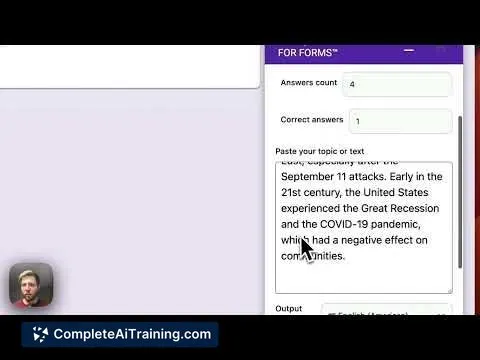
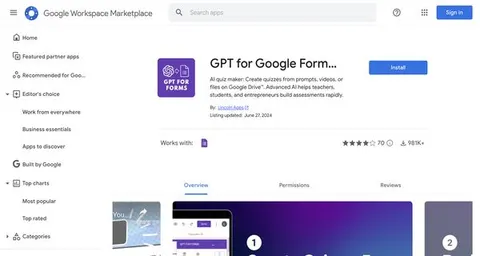
Google Forms MCP server
by A1-x-TechLet your AI build Google Forms, add questions, publish them, and read the answers for you.

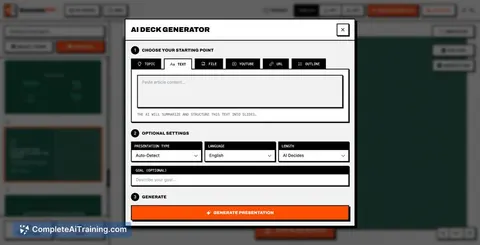
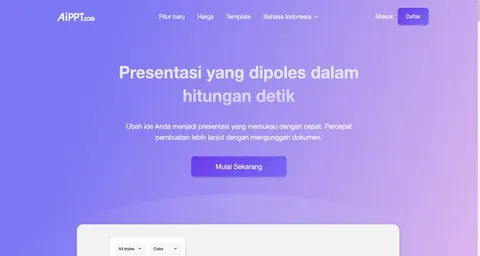
Presentations.AI MCP server
by slidecraft-inLet your AI build and edit slide decks for you, then export them as PPTX, PDF, images or a share link.
Productivity Official
Bing Search MCP server
by leehanchungLets your AI search the web, news, and images through Microsoft Bing while you chat.

Google Search MCP server (AceDataCloud)
by AceDataCloudLets your AI run Google searches for web, images, news, videos, places and maps, and hand you the results.
ResearchNo install
DuckDuckGo Search MCP server
by zhsamaLets your AI search the web through DuckDuckGo and bring back results for you.
Show all 12 MCP servers

Brave Search MCP server
by braveLets your AI search the web, news, images, and places through Brave Search.

Google Workspace MCP server
by taylorwilsdonLets your AI read and write your Gmail, Calendar, Drive, Docs, Sheets and more, all from one chat.

Notion MCP server
by ankitmalik84Let your AI search, read, and write in your Notion pages and databases for you.

Google Drive MCP server
by A1-x-TechLet your AI search, organize, upload, download, export and share your Google Drive files for you.

Google Custom Search MCP server
by A1-x-TechLets your AI search the web and images through your own Google Programmable Search Engine.

NotebookLM MCP server
by roomi-fieldsAsk your own documents questions and get answers with citations, plus podcasts, videos, and study aids.
Build your own AI apps for education consultants
Apps you build yourself with your own AI, no coding needed and no monthly fee. Our AI picked the 12 that fit the work of education consultants.
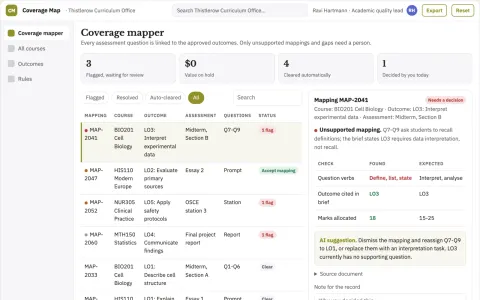
Course assessment coverage mapper
Evidence of what assessments actually test.
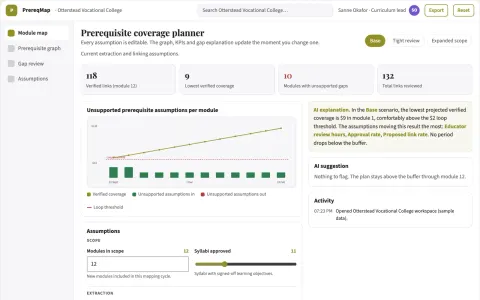
Curriculum prerequisite mapper
Expose missing prerequisites across courses before enrollment.
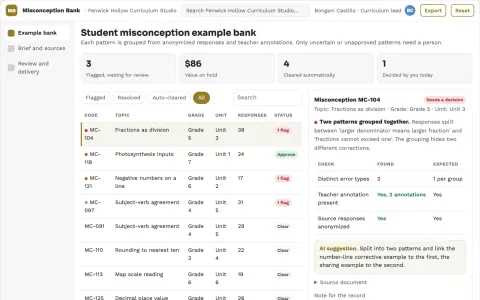
Student misconception example bank
Reuse teaching examples without labeling learners.
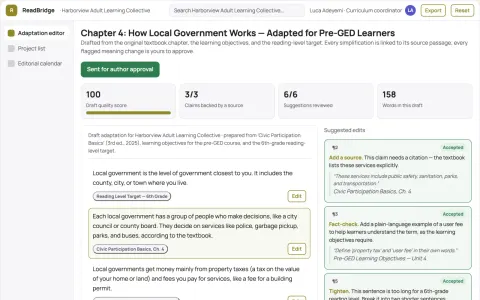
Study material adaptation service
Side-by-side review of meaning preservation at different reading levels.
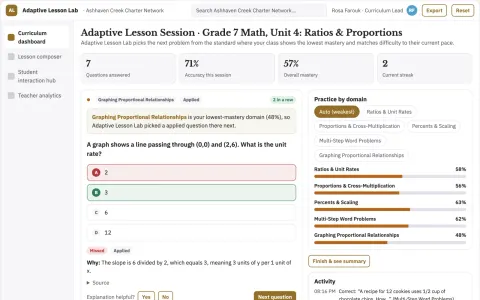
Adaptive Lesson Generator
Lessons that combine spoken interaction and automatic grading in one sequence, adapted to each pupil.
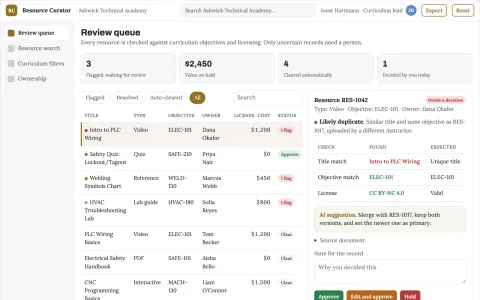
Learning resource organizer
Curriculum-aware discovery with visible ownership and reuse permissions.
Show all 12 apps
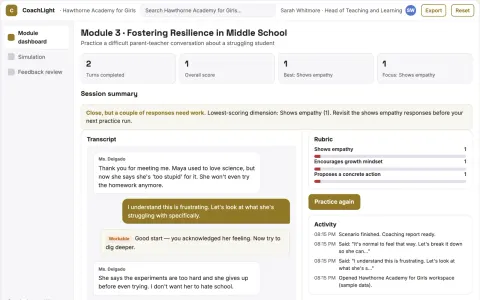
AI Faculty Coach
Teachers rehearse real classroom moments with a patient AI role-play and get line-by-line feedback on how they responded.
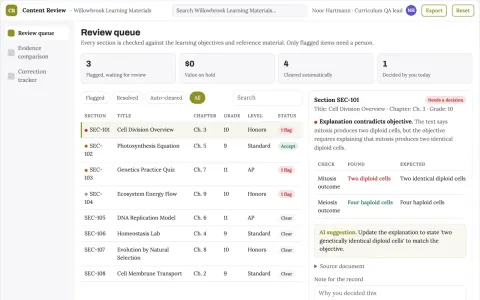
Educational content quality review
Checks the relationship between explanations, objectives and assessments.
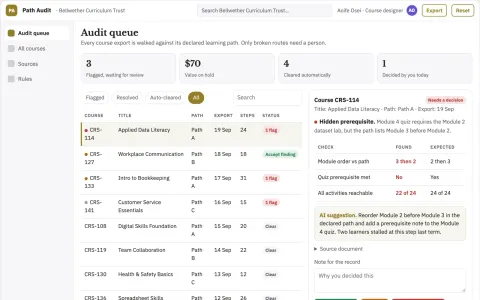
Online course navigation audit
Check the learner route through existing content.
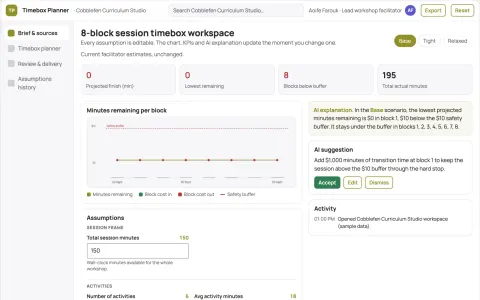
Learning activity timebox planner
Realistic pacing using explicit assumptions.
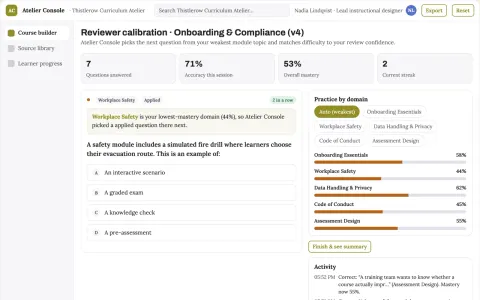
Role-based course authoring and delivery console
Reduce course production and maintenance effort while keeping one reviewed source of truth.
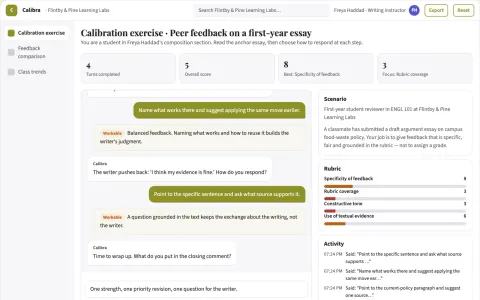
Peer review calibration classroom
Teach useful peer feedback before grading classmates.




















































































































About this learning path
6 topicsAI Skills for Education Consultants at Work
You already help schools make better decisions about teaching and learning. This path shows where AI fits into that work without adding noise or risk.
You will set up your AI, connect it to the tools you use, practice prompts for common consultant tasks, and watch short video courses chosen for your role. Each video course has a certificate you can add to your professional record.
Why AI Matters Now
Schools are asking for faster reviews, clearer plans, and thoughtful use of new tools. As a consultant, you are often the person who helps them sort what is useful from what is not. AI can help you draft, compare, and explain, while your judgment stays in charge.
What the Path Includes
The path starts with setup questions and a short guide to connecting your AI to the work you already do. Then you take the prompt course for education consultants, with lessons on curriculum plans, instructional strategies, learning materials, student performance, teacher coaching, workshops, client communication, improvement plans, and program evaluations. You also get video courses picked for your job, plus the certificates those courses provide.
How It Saves Time
The prompts are built around the documents you create every week: unit outlines, resource reviews, data narratives, workshop agendas, proposals, and evaluation reports. You can start with a rough note and get a structured draft in minutes, then spend your time on the parts that need a human eye.
How It Protects Your Career
AI does not replace the consultant's judgment, relationships, or local knowledge. The path shows you how to check output, protect student privacy, follow district rules, and keep your recommendations grounded in evidence. You stay the trusted advisor, with faster drafts and clearer options.
How to Start
Begin with the setup questions and connect one AI tool you already have, such as ChatGPT, Claude, or Gemini. Then open the first prompt lesson and use a real task from this week. Small, steady practice is enough.
Frequently asked questions
Do I need technical skills?
No. The path assumes you are comfortable with email and common documents. It walks you through setup, connecting your AI, and using prompts step by step.Will AI make my recommendations generic?
Not if you use it well. The course teaches you to feed in your context, standards, and local goals, then review and shape the output. Your professional judgment is what makes the final advice useful.How do the certificates work?
The video courses in the path come with certificates of completion. You can add them to your resume, professional profile, or continuing education records. Check your state or employer rules for acceptance.Is student data safe?
The path covers privacy from the start. You will learn to remove names and identifying details before using AI, follow your district policies, and keep sensitive data in approved systems. When in doubt, use de-identified examples or ask before sharing.