
Learning path
AI for instructional designers
Be the AI expert in your job. Always up to date.
Your first AI Expert certificate this week. Your AI set up in 15 minutes.

This is exactly what happens after you join. Try it: everything below reacts to your choices.
Only stored for members. Join to keep the courses you choose in your account and favorites; until then only this browser remembers them. Start for Free






Picked by our course-matching AI for instructional designers, your level and your AI, from 700+ courses. Each course ends in a short exam and an AI Expert certificate. New courses arrive every week and your suggestions update with them. Your choices are kept in this browser until you join.
For members: your personal setup prompt, with your sign-in built in. Here's what's inside.
What the setup does
- Connects your AI to your AI Coach: ChatGPT, Claude, Cowork, Microsoft Copilot and more
- Asks you a few questions about your work and saves your profile
- Gives your AI the skills, prompts and tools for instructional designers
- Writes your personal instructions and gives you today's first suggestion
What your AI gets: the instructional designer AI kit
See everything in your instructional designer AI kit: log in or sign up first → · Start for Free
Like "Write LMS Course Descriptions"
A new idea from your AI Coach every day
Pull the transcript of any YouTube video into your AI chat as clean text, timestamps, or a saved file.
From 4,600+ connections, after a short interview about the apps you use
A course with no unresolved accessibility issues on the checked list.
From 3,900+ AI agents: hand a whole task to AI
Build it to cut the number of study tools your team rents while keeping every item linked to its source.
From 2,400+ apps you can build, with step-by-step prompts
Not connected? The same suggestions wait for you on your dashboard under Today, with prompts to copy into any AI.
All the courses, certifications, AI tools, connections and apps for instructional designers, most relevant first. Tap the heart on anything to save it for later.
All prompt courses for instructional designers
How to talk to AI, then 9 lessons with ready-to-use prompts for instructional designers.
- 1Needs Analysis And Learner Research3 prompts
- 2Writing Learning Objectives3 prompts
- 3Outlining Course Content5 prompts
- 4Drafting Lesson Content3 prompts
- 5Writing Assessments And Rubrics7 prompts
- 6Multimedia And Storyboards2 prompts
- 7Reviewing And Improving Materials2 prompts
- 8Evaluating Course Effectiveness4 prompts
- 9LMS, Stakeholders, And Project Admin3 prompts
All video courses for instructional designers
103 video courses our AI picked for instructional designers, most useful first. Tap the heart to save one for later.
Favorites are saved to your account: sign in or get your AI kit first.
All certifications for instructional designers
Every course ends in a short exam and an AI Expert certificate you can add to LinkedIn. Tap the heart to save the ones you're aiming for.
Favorites are saved to your account: sign in or get your AI kit first.
More certifications for instructional designersAll AI tools for instructional designers
24 AI tools our AI matched to the work of instructional designers, best fit first. Each review shows what it does, its alternatives and the jobs it suits.
Favorites are saved to your account: sign in or get your AI kit first.
All connections for instructional designers
Connections let ChatGPT, Claude or Copilot look things up and get work done in other apps, like your email, calendar or bookkeeping software. These 12 fit the work of instructional designers best, well-known apps first.

SCORM MCP server
by giacomomaria81Turn your HTML course into a SCORM package any learning system can import.

Google Slides MCP server
by A1-x-TechLets your AI look at and edit your Google Slides decks, from adding slides to exporting them as PDF.
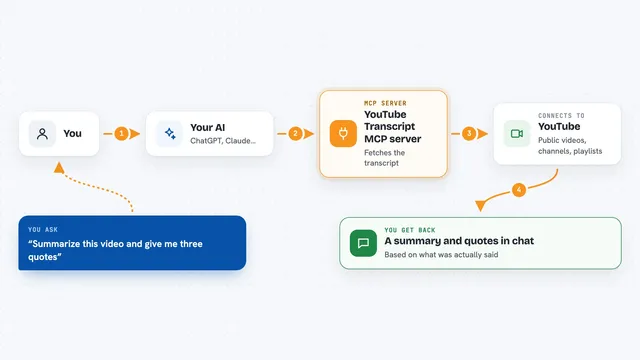
YouTube Transcript MCP server
by artemchuikinLet your AI read YouTube videos, pull transcripts, and search videos, channels, and playlists for you.
Social mediaResearch Official
NotebookLM MCP server
by roomi-fieldsAsk your own documents questions and get answers with citations, plus podcasts, videos, and study aids.
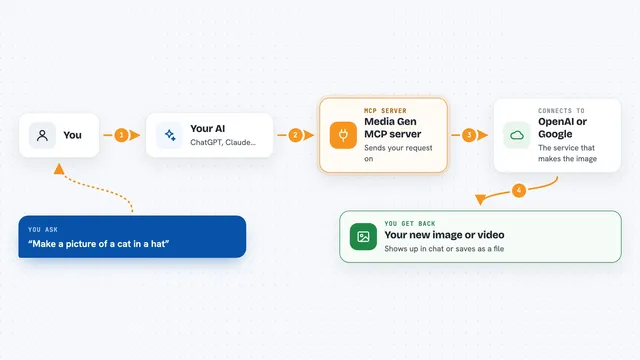
Media Gen MCP server
by strato-spaceCreate and edit images and videos with OpenAI and Google tools, right from your AI chat.

Google Docs MCP server
by A1-x-TechLet your AI read, summarize, edit and comment on your Google Docs without leaving the chat.

Google Drive MCP server
by A1-x-TechLet your AI search, organize, upload, download, export and share your Google Drive files for you.

SubDownload MCP server
by SubDownloadAsk your AI about YouTube videos, get transcripts and summaries, and save them for later.
ResearchNo install
VE Google Workspace MCP server
by HuntsDeskLet your AI read and write your Google Docs, Sheets, Slides, Drive, Gmail and Calendar for you.
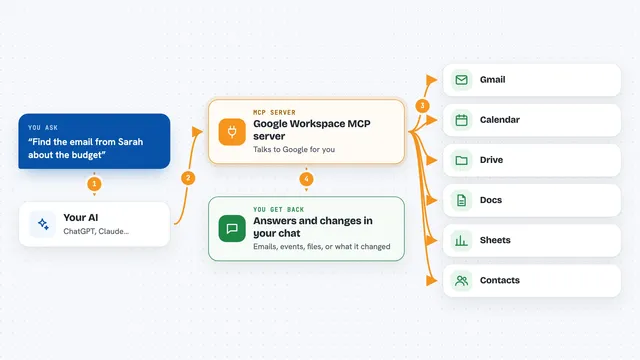
Google Workspace MCP server
by taylorwilsdonLets your AI read and write your Gmail, Calendar, Drive, Docs, Sheets and more, all from one chat.

Notion MCP server
by ankitmalik84Let your AI search, read, and write in your Notion pages and databases for you.

rippr MCP server
by mrslbtPull the transcript of any YouTube video into your AI chat as clean text, timestamps, or a saved file.
All apps you can build for instructional designers
Apps you build yourself with your own AI, no coding needed and no monthly fee. Our AI picked the 12 that fit the work of instructional designers.
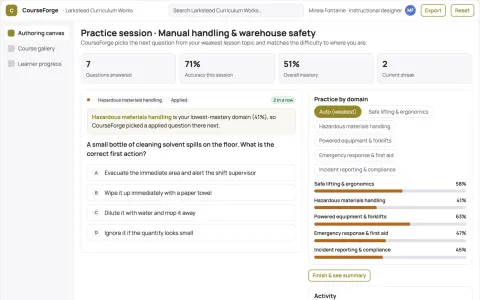
Role-based course authoring and delivery console
Reduce tool sprawl and manual course assembly while keeping one owned source of truth.
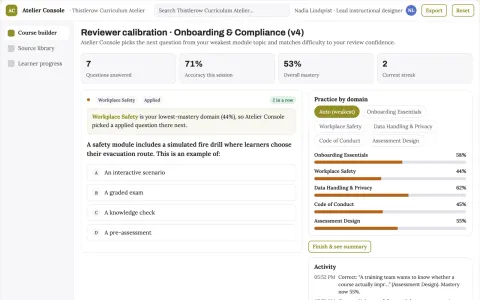
Role-based course authoring and delivery console
Reduce course production and maintenance effort while keeping one reviewed source of truth.
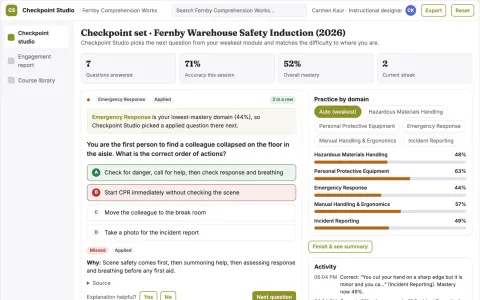
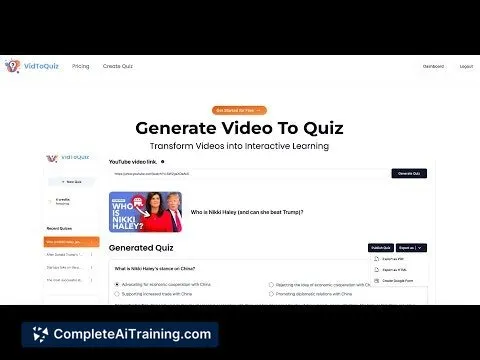
Interactive video and document learning checkpoint studio
Turn existing videos and documents into interactive quizzes and checkpoints and track how viewers engage with them.
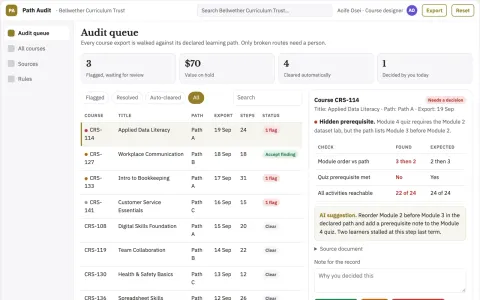
Online course navigation audit
Check the learner route through existing content.
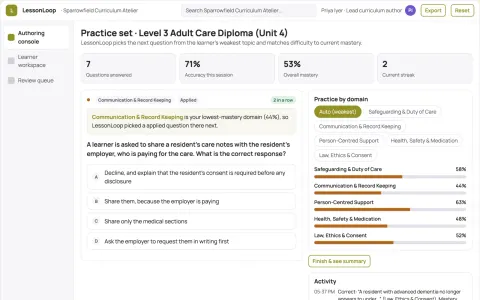
Role-based learning and course authoring workspace
Reduce duplicated authoring and tutoring effort while keeping every learner answer and course change under named human review.
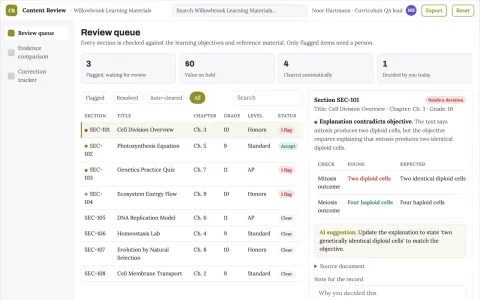
Educational content quality review
Checks the relationship between explanations, objectives and assessments.
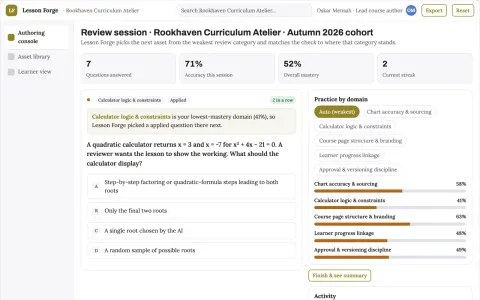
Role-based data visualization and course authoring workbench
Reduce tool sprawl and manual rebuild work while keeping learner data and course branding under the institution's control.
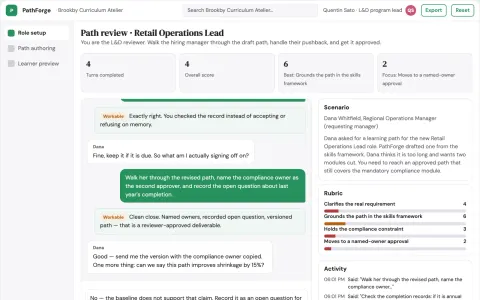
Role-based learning path and course authoring console
Give HR and L&D teams one owned console for role-based learning paths and course authoring.
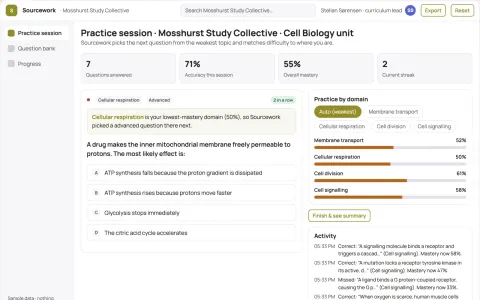
Role-based study material and course authoring workbench
Reduce the number of separate study tools a course team rents while keeping every generated item linked to its source.
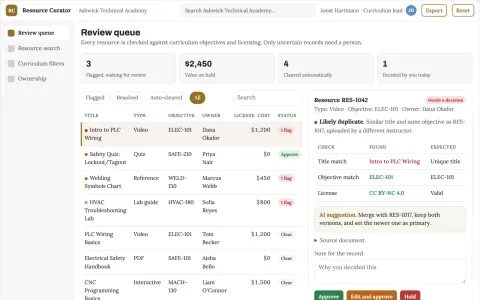
Learning resource organizer
Curriculum-aware discovery with visible ownership and reuse permissions.
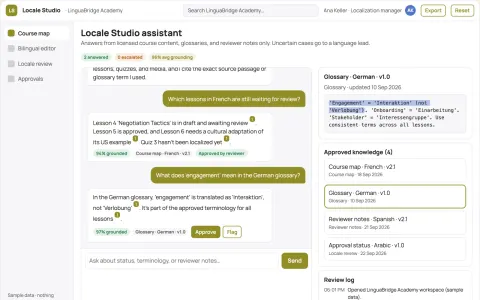
Course localization studio
One coordinated localization process across lessons, assessments and media.
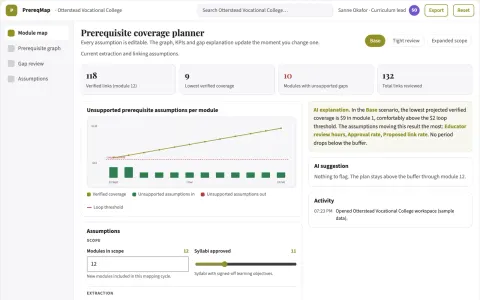
Curriculum prerequisite mapper
Expose missing prerequisites across courses before enrollment.





































































About this learning path
6 topicsAI Skills for Instructional Designers at Work
Instructional design work asks you to understand learners, shape objectives, build courses, and prove the learning works. AI can help with the drafts, checks, and updates that take up your week, while you keep the judgment and care.
This path is built for working designers who want practical help, not technical overload. You learn how to use AI safely and well inside the job you already do.
Why AI Matters Now
Course requests come faster, teams are smaller, and learners expect fresh, accessible materials. AI helps you move from blank page to solid draft while you focus on learner needs and quality.
What This Path Includes
You start with setup questions so your AI knows your role, learners, and tools. Then you connect your AI, add skills for instructional design, take this prompt course, and finish with short video courses chosen for your job, each with a certificate.
How It Saves You Time
Use prompts to turn discovery notes into themes, draft objectives, outline modules, and build quiz items. You spend less time on first drafts and formatting, and more time improving the learning experience.
How It Protects Your Career
AI does not replace your design judgment, learner empathy, or stakeholder trust. It helps you show up with faster options, clearer evidence, and materials that meet accessibility and standards reviews.
How to Start
Begin with the setup questions and one small task, like turning interview notes into needs themes. Then work through the prompt course in order, trying each lesson on a real project.
Frequently asked questions
Do I need technical skills?
No. You need to know your learners and your work. The path shows you how to ask, check, and edit AI output.Will this replace my design work?
No. AI handles early drafts and repeated admin tasks. You still shape the learning, judge the quality, and work with people.How long does the path take?
You can move at your own pace. Many people do one lesson at a time and apply it to a current project.What if my workplace has AI rules?
Follow your organization's rules first. The safety lessons show how to keep learner data private and use approved tools.
At a glance
What you get
- 3 step setup process
- Relevant courses for your job (700+ available)
- A certificate per course
- AI Coach
- 15-minute AI setup in ChatGPT, Claude, Copilot and more