
Learning path
Learning AI as a Benefits Administrator
Learn how to use AI to explain benefits, answer employee questions, and keep your records audit ready. This path walks you through setup, prompts, and short video courses made for benefits work.
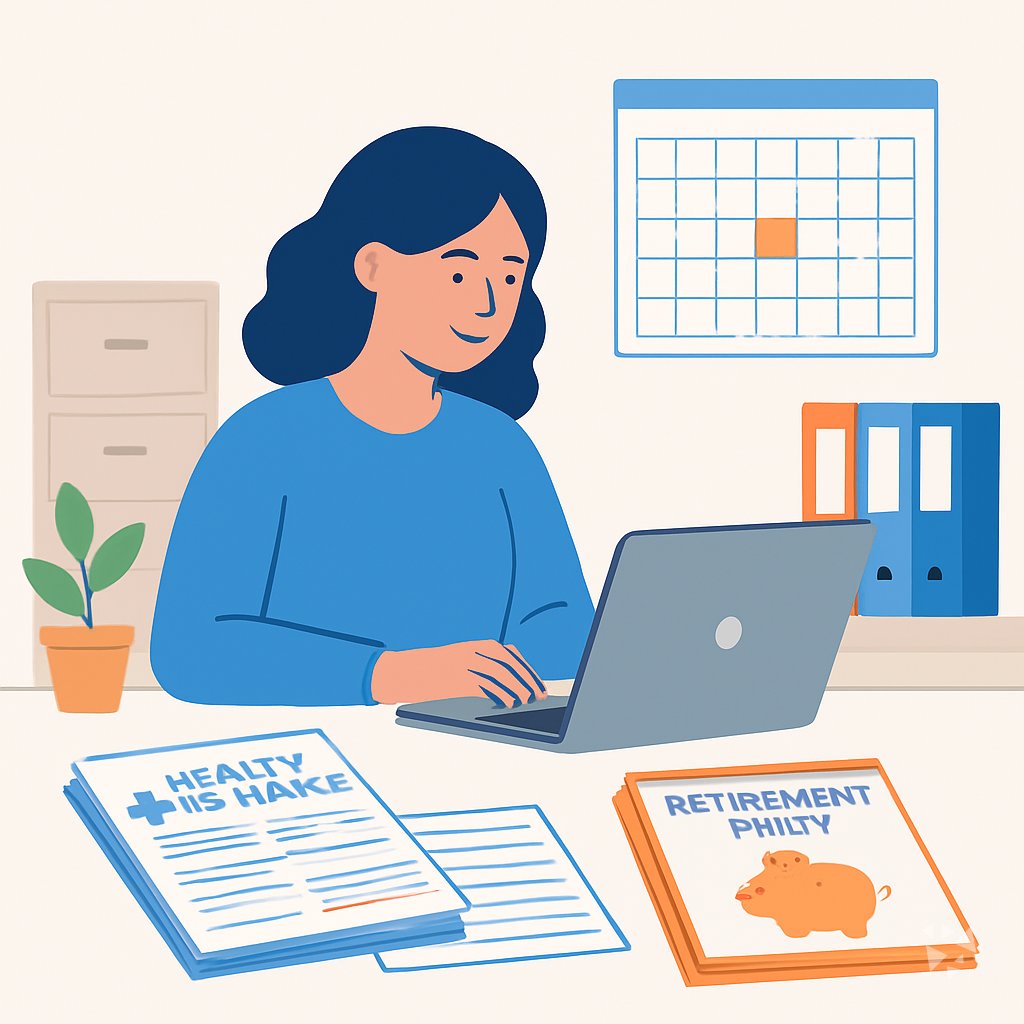
Your path
Everything in the Benefits Administrator AI kit, in the order that makes sense. Members tick off each step and see their progress.
Set up your AI
We guide you through each click.
Let skills do your everyday tasks
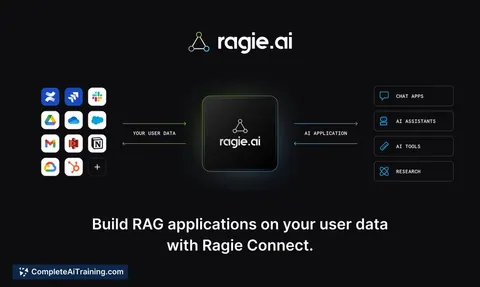
Connect your apps and pick your AI apps
Hand whole tasks to AI agents
Build your own tools
Keep growing
Everything for benefits administrators
All the courses, certifications, AI tools, MCP servers and apps for benefits administrators, most relevant first. Open any list to see more.
Take the prompt courses
A short framework course to learn how to ask, then 8 lessons with ready-to-use prompts for benefits administrators.
Start with this framework: how to talk to AI
TIDD-EC fits Benefits Administrators because its do and don't rules keep precise compliance tasks like drafting COBRA notices accurate and auditable.
Then your prompt course for benefits administrators- 1Explaining Benefits Plans3 prompts
- 2Communicating with Employees3 prompts
- 3Troubleshooting Benefit Issues3 prompts
- 4Preparing Compliance Documents3 prompts
- 5Planning Open Enrollment3 prompts
- 6Liaising with Insurance Providers3 prompts
- 7Maintaining Benefits Records4 prompts
- 8Analyzing Benefits Data and Updates5 prompts
Watch the video courses or add them to your Favorites for later
95 video courses our AI picked for benefits administrators, most useful first. Save the ones you want to watch later with the heart.
Favorites are saved to your account: sign in or get your AI kit first.
Show all 95 video courses
Get certified, or add certifications to your Favorites
Every course ends in an exam and a certificate you can add to LinkedIn. Save the certifications you are aiming for with the heart.
Favorites are saved to your account: sign in or get your AI kit first.
More certifications for benefits administratorsShow all 24 certifications
Try the AI tools for benefits administrators
20 AI tools our AI matched to the work of benefits administrators, best fit first. Each review shows what it does, its alternatives and the jobs it suits.
Favorites are saved to your account: sign in or get your AI kit first.
Show all 20 AI tools
Connect your AI to the apps benefits administrators use
MCP servers let ChatGPT, Claude or Copilot look things up and get work done in other apps, like your email, calendar or bookkeeping software. These 12 fit the work of benefits administrators best, well-known apps first.

Box MCP server
by boxLet your AI search your Box files, answer questions about them, and pull out details for you.
Productivity Official
Outlook Attachment Reader MCP server
by ZacccckLet your AI open and read the files attached to your Outlook emails, and send local files as drafts.

MCP Emails server
by AlbretsenLet your AI read, search, send and organize email in your own mailbox.
EmailNo install
Gmail MCP server
by A1-x-TechLet your AI read, search, draft and send your Gmail, and keep labels and trash tidy, from the chat.

OfficeAgent MCP server
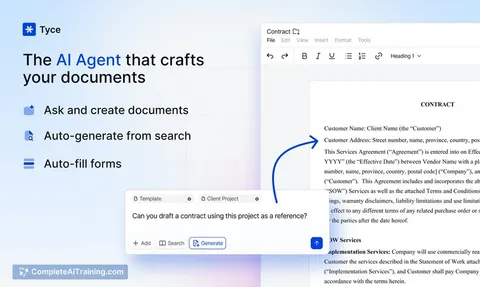
by ilia-sokolovLet your AI edit Word, PowerPoint and Excel files, with changes you can review before saving.
Productivity Official
Redact PDF MCP server
by dambuchsLets your AI permanently remove names, emails, phone numbers and other personal data from PDFs and images.
Show all 12 MCP servers

Pinecone Assistant MCP server
by pinecone-ioLet your AI search your Pinecone Assistant knowledge base and bring back answers with sources.
Notes Official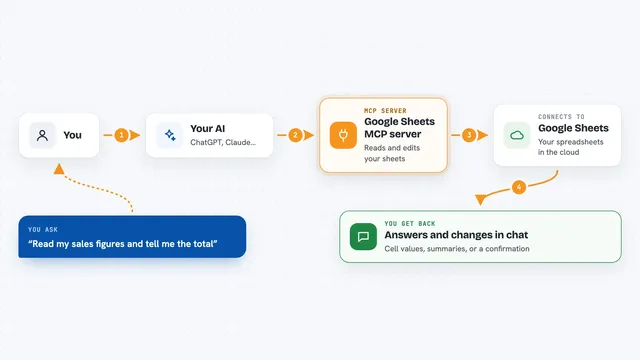
Google Sheets MCP server
by freemaLets your AI read, write, and format your Google Sheets for you, right from the chat.
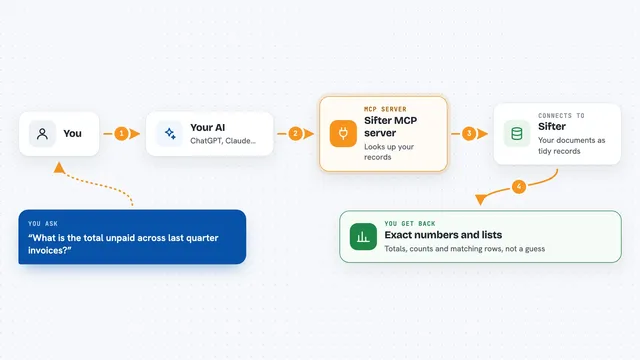
Sifter MCP server
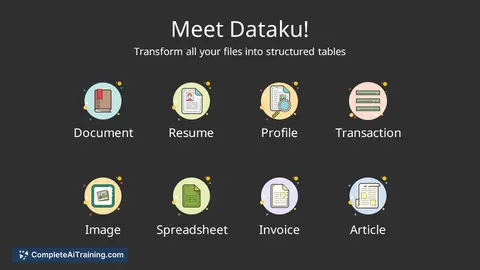
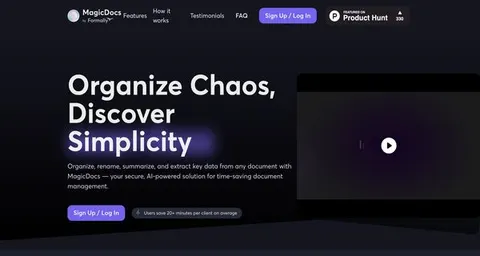
by sifter-aiAsk your AI questions about your documents and get exact numbers, lists and totals back.

Excel MCP server
by haris-musaLets your AI create, read and edit Excel workbooks for you, without opening Excel.

Lucairn privacy gateway MCP server
by DecladeLets your AI clean personal data out of your prompts before they reach the model, and hand you a signed proof of what was removed.

TabPilot MCP server
by hunglp97Let your AI control the Chrome you're already signed into: read pages cheaply, click buttons, and fill tricky web forms.
Build your own AI apps for benefits administrators
Apps you build yourself with your own AI, no coding needed and no monthly fee. Our AI picked the 4 that fit the work of benefits administrators.
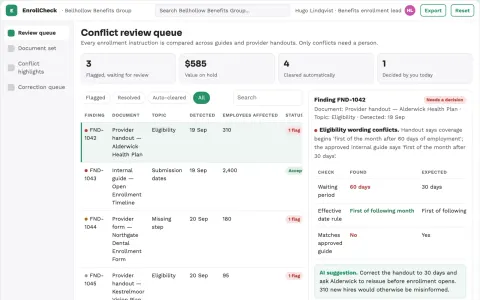
Benefits enrollment ambiguity checker
Find contradictory enrollment instructions before enrollment opens.
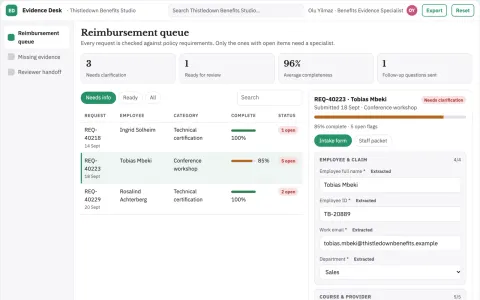
Learning reimbursement evidence desk
Complete evidence before benefit decisions.
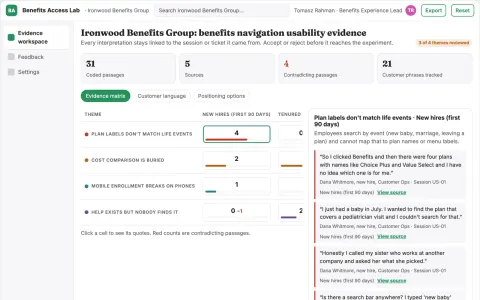
Employee benefits usability experiment lab
Improve understanding and access to existing benefits.
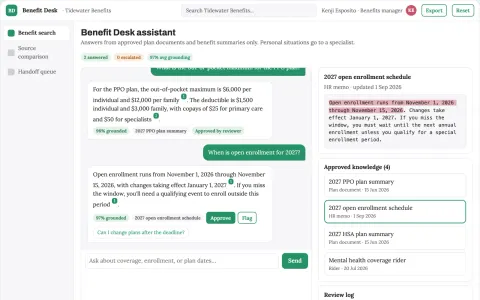
Benefits information navigator
Source-grounded benefit explanations with specialist routing for individual circumstances.





















































































About this learning path
7 topicsAI for Benefits Administrators: A Practical Path
Benefits rules change, employees have questions, and your inbox fills up fast. AI can help you find plain words, draft replies, and keep records tidy without adding hours to your day.
This path shows you how to set up AI for benefits work, connect it to the tools you already use, and practice with prompts made for your job. Short video courses and certifications come next, chosen for benefits administrators.
Why AI matters for benefits work now
Employees expect quick, clear answers about health plans, retirement, and leave. At the same time, compliance rules and provider details keep growing. AI can help you sort through the noise and write in plain language.
AI does not replace your judgment. It helps you draft, compare, and check your work so you can spend more time on the parts that need a human touch.
What the learning path includes
First, you answer a few setup questions so the path fits your role and the tools you use. Then you connect your AI assistant, learn skills for the job inside your AI, and work through this prompt course.
You also get short video courses picked for benefits administrators, plus the certifications that come with them. Everything is built around real benefits tasks, not general AI theory.
How the path saves you time
Think about the time you spend explaining a deductible, rewriting an email, or hunting for a plan detail. The prompts in this path give you a strong first draft in seconds.
You still review and adjust, but you start from something useful. That means less blank page time and more time for the work only you can do.
How the path protects your career
Benefits work is trusted work. You handle private information and rules that matter. This path shows you how to use AI safely, check its output, and keep your records accurate.
You learn where AI helps and where it does not. That care protects employees, your company, and your reputation.
How to start the path
Start with the setup questions. They take a few minutes and help the path match your daily tasks. Then connect your AI assistant using the steps provided.
Move through the prompt course at your own pace. Try one prompt on a real task the same day. Small wins build confidence.
What you can do first
Pick one task you do often, like answering a benefits question or drafting an open enrollment note. Use the matching prompt and see what comes back.
Save the prompts that work for you. Add your own details, like plan names or common employee questions, so the next draft is even closer to done.
Frequently asked questions
Do I need to be technical to use this path?
No. The path starts with simple setup steps and plain instructions. If you can use email and a web browser, you can use these prompts.How long does the path take?
You can move at your own pace. Many people try one prompt a day and finish the core lessons in a few short sittings. The video courses are broken into small pieces too.Can AI make mistakes with benefits rules?
Yes, AI can be wrong or out of date. That is why the path teaches you to check important details against your plan documents and official sources. You stay in charge of the final answer.Can I use AI with private employee information?
Only if your workplace allows it and you follow your privacy rules. The path shows you how to remove names and personal details before you ask AI for help. When in doubt, leave private data out.