
Learning path
Learning AI as a Diversity and Inclusion Manager
AI can take the first pass on DEI communications, workforce data summaries and training outlines, so you spend your hours on judgment and people. This path sets up your AI, teaches the prompts, and adds video courses chosen for diversity and inclusion work.
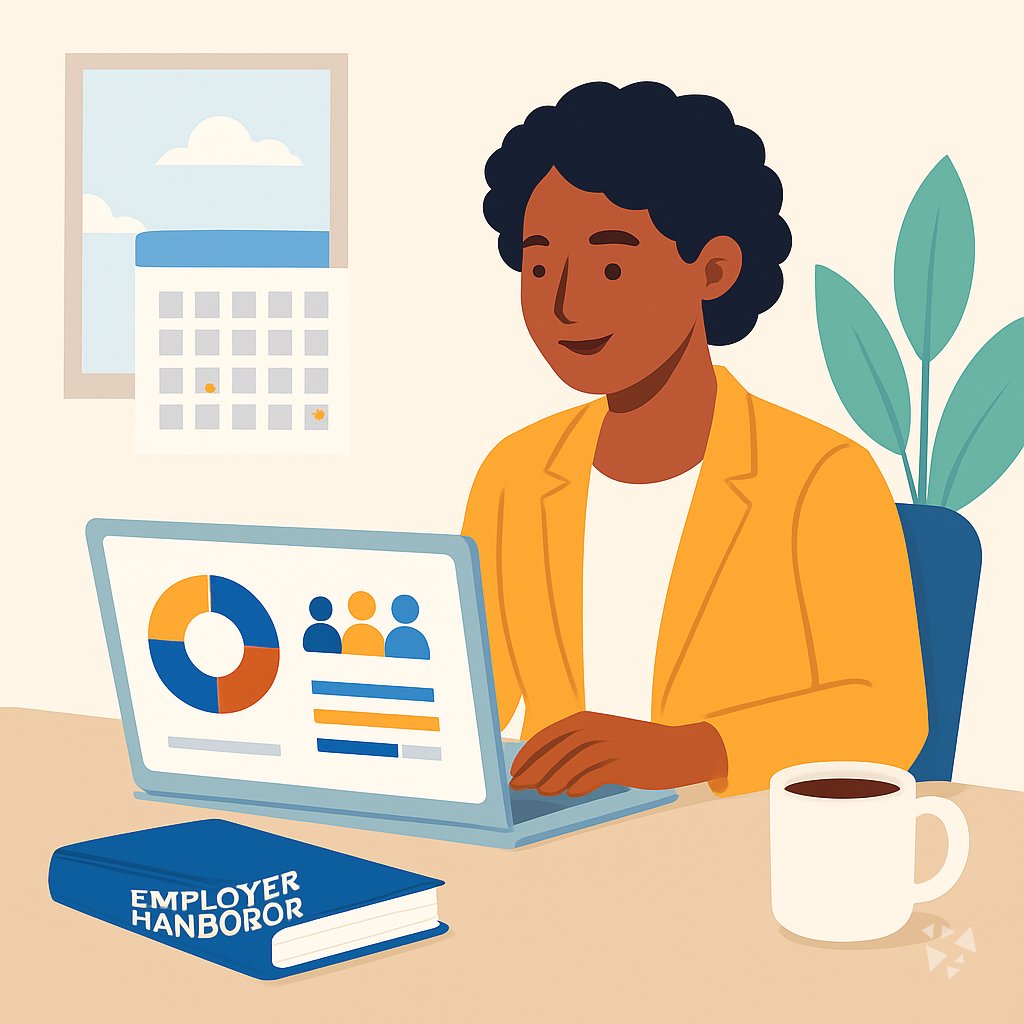
Your path
Everything in the Diversity and Inclusion Manager AI kit, in the order that makes sense. Members tick off each step and see their progress.
Set up your AI
We guide you through each click.
Let skills do your everyday tasks
Connect your apps and pick your AI apps
Hand whole tasks to AI agents
Build your own tools
Keep growing
Everything for diversity and inclusion managers
All the courses, certifications, AI tools, MCP servers and apps for diversity and inclusion managers, most relevant first. Open any list to see more.
Take the prompt courses
A short framework course to learn how to ask, then 9 lessons with ready-to-use prompts for diversity and inclusion managers.
Start with this framework: how to talk to AI
TIDD-EC fits your D&I manager role because do, don't, and precise instructions keep compliance work accurate, like drafting bias-free job descriptions.
Then your prompt course for diversity and inclusion managers- 1Drafting DEI Communications3 prompts
- 2Analyzing Workforce Data3 prompts
- 3Designing Bias Training3 prompts
- 4Reviewing Hiring Practices3 prompts
- 5Advising Leadership on Policy3 prompts
- 6Supporting Employee Resource Groups3 prompts
- 7Organizing Awareness Events3 prompts
- 8Tracking DEI Progress3 prompts
- 9Handling Sensitive Conversations3 prompts
Watch the video courses or add them to your Favorites for later
132 video courses our AI picked for diversity and inclusion managers, most useful first. Save the ones you want to watch later with the heart.
Favorites are saved to your account: sign in or get your AI kit first.
Show all 132 video courses
Get certified, or add certifications to your Favorites
Every course ends in an exam and a certificate you can add to LinkedIn. Save the certifications you are aiming for with the heart.
Favorites are saved to your account: sign in or get your AI kit first.
More certifications for diversity and inclusion managersShow all 24 certifications
Try the AI tools for diversity and inclusion managers
22 AI tools our AI matched to the work of diversity and inclusion managers, best fit first. Each review shows what it does, its alternatives and the jobs it suits.
Favorites are saved to your account: sign in or get your AI kit first.
Show all 22 AI tools
Connect your AI to the apps diversity and inclusion managers use
MCP servers let ChatGPT, Claude or Copilot look things up and get work done in other apps, like your email, calendar or bookkeeping software. These 12 fit the work of diversity and inclusion managers best, well-known apps first.

Box MCP server
by boxLet your AI search your Box files, answer questions about them, and pull out details for you.
Productivity Official
Google Workspace MCP server
by taylorwilsdonLets your AI read and write your Gmail, Calendar, Drive, Docs, Sheets and more, all from one chat.

Confluence MCP server
by aashariLets your AI read, search, and update your Confluence pages and spaces for you.

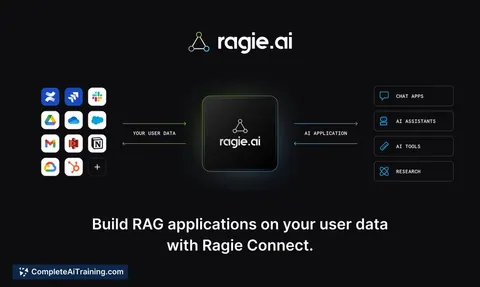
Ragie MCP server
by ragieaiLet your AI search your Ragie knowledge base and pull back the right passages when you ask a question.

Pinecone Assistant MCP server
by pinecone-ioLet your AI search your Pinecone Assistant knowledge base and bring back answers with sources.
Notes Official
PipesHub MCP server
by pipeshub-aiLets your AI search across your work apps like Google Workspace, Microsoft 365, Slack and Jira, and answer with the sources it found.
Show all 12 MCP servers

Google Forms MCP server
by A1-x-TechLet your AI build Google Forms, add questions, publish them, and read the answers for you.

Presentations.AI MCP server
by slidecraft-inLet your AI build and edit slide decks for you, then export them as PPTX, PDF, images or a share link.
Productivity Official
Outlook Assistant MCP server
by littlebearappsLets your AI read, search, send, and organise your Outlook email, calendar, and contacts from the chat.

Google Search MCP server (AceDataCloud)
by AceDataCloudLets your AI run Google searches for web, images, news, videos, places and maps, and hand you the results.
ResearchNo install
Google Docs MCP server
by A1-x-TechLet your AI read, summarize, edit and comment on your Google Docs without leaving the chat.

Gmail MCP server
by A1-x-TechLet your AI read, search, draft and send your Gmail, and keep labels and trash tidy, from the chat.
































































































About this learning path
7 topicsA learning path for diversity and inclusion managers
Diversity and inclusion work runs on words and numbers: communications, training, hiring reviews, survey results, and the careful conversations in between. AI can carry the first pass on much of that, which leaves you more room for the judgment and the people.
This path is built for managers who are not technical. You will set up a tool, learn what to keep private, and practice prompts that match the tasks already on your calendar.
Why AI matters for this job now
Much of your week is drafting: messages, training outlines, policy notes, survey summaries. AI is quick at a first draft and at spotting patterns in a table of numbers. What it cannot do is know your workplace, your history with a team, or how a sentence will land for the person reading it.
Managers who hand the drafting to AI spend their time on the parts only a person can do, and that difference shows up quickly.
What the path includes
You start with a few setup questions so the path fits your role and your tools. Then you connect an AI assistant and learn the skills for your job inside it, followed by this prompt course and a set of video courses chosen for diversity and inclusion work, including the certifications each one offers.
How it saves you time
The prompts cover the tasks that eat your afternoons: writing announcements, summarizing workforce data, building a training session, reviewing a job posting. Each one turns a slow blank page into a draft you can edit in a few minutes.
The time you get back goes to the conversations and decisions that need a human.
How it protects your career
AI does not replace the trust you have built with employee resource groups, leaders, or the people who come to you with a problem. It does change what is expected of a manager in a busy week. Learning to use it well keeps your work visible and your judgment at the center.
How to start
Pick the next thing you have to write, whether it is a note to managers or a summary for a leadership meeting. Run it through one prompt from the course and see what you get. Small, repeated wins are how this sticks.
What a normal week looks like
Most managers use AI for two or three tasks a week at first, then more as it becomes habit. You might draft a communication on Monday, summarize hiring data on Wednesday, and prepare for a hard conversation on Friday. The tool stays in the background. Your work stays yours.
Frequently asked questions
Do I need to be technical to use this path?
No. If you can write an email and copy a paragraph into a web page, you can do everything here. The setup steps are short and written in plain language.Is it safe to put workforce data into an AI tool?
It depends on the tool and your organization's rules, so the path covers this early. You will learn what to remove or summarize before pasting anything in, and when to keep the data out entirely.Will AI write my DEI communications for me?
It will give you a first draft, and sometimes a good one. You still decide the tone, the facts, and what not to say. Most managers find they edit heavily at first and lightly later.How long does the path take?
You can move through the prompt course in a few sittings and pick up the video courses around your schedule. Most people spread it over a few weeks while using the prompts at work.